Direct answer: Oracle Integration Cloud (oracle oic) is Oracle’s OCI‑hosted iPaaS for connecting cloud, on‑prem and third‑party systems with low‑code integration flows, process automation, API management and embedded AI. If you need production‑grade, Oracle‑native integrations for Fusion apps (ERP/HCM) and modern platforms like Salesforce or Snowflake, OIC is a strong candidate.
Why care: it shortens delivery time with 50+ adapters, a visual mapper, monitoring/tracing, and AI scaffolding for prototypes. At CloudShine we teach OIC using live instances and a focused 15‑minute lab so learners can reproduce the REST→JDBC integration below and become job‑ready.
What is Oracle Integration Cloud and when to pick it
Oracle Integration Cloud is an integration and automation platform bundled on OCI. It combines prebuilt connections, a low‑code flow designer, process automation, API gateway capabilities and real‑time observability in a single console.
Common use cases: synchronizing CRM records to ERP, automating hire‑to‑onboard HR processes, real‑time event routing, and B2B or EDI exchanges. Architecturally it breaks down to: Connections/Adapters → Integration Flows (visual mapper) → Process Automation → API Gateway → Monitoring/Analytics.
Data anchor: OIC ships with 50+ adapters and supports REST/SOAP, JDBC, MQ and file protocols; Gen3 Projects add component reuse and RBAC for team delivery.
Actionable takeaway: If your project involves Oracle Cloud apps plus third‑party systems and you want governed, low‑code delivery, add OIC to your shortlist and verify adapter coverage early.
Core components and features that matter
Connections & Adapters: Prebuilt adapters (Oracle ERP/HCM, Salesforce, SAP, NetSuite) cut integration time by removing low‑level plumbing. Protocol adapters (REST, SOAP, JDBC, MQ, FTP) let you integrate anything else without writing an adapter from scratch.
Integration Flows (visual, low‑code): The canvas supports triggers, invokes and a mapper with suggested field matches. Reusable components and lookups speed prototyping and reduce duplication across integrations.
Process Automation: Use drag‑and‑drop for approvals, human tasks and long‑running processes (procure‑to‑pay, hire‑to‑retire). It’s not only event wiring — it orchestrates people and systems.
API Management & Gateway: Expose flows as secure APIs with auth, rate limiting and caching. Managing traffic at the gateway reduces unnecessary backend message volume and simplifies monetization or partner access.
Observability & Monitoring: Built‑in dashboards, message tracing, and error streams let you track transactions end‑to‑end. Kafka/Spark streaming and connectors provide operational telemetry for enterprise SLAs.
Security & Scalability: Runs on OCI tenancy, with encryption at rest/in‑transit, tenancy isolation and deployment patterns for high throughput and redundancy.
Actionable takeaway: For your first POC verify adapter availability, test mapping complexity with real sample payloads, and confirm trace logs show full request→response paths.
Connectors and adapters — who OIC plugs into
Oracle SaaS adapters: Native adapters for Oracle ERP Cloud, Oracle HCM Cloud and Oracle Sales/Service Cloud are the fastest path for Fusion integrations and preserve transactional semantics.
Third‑party adapters: OIC includes adapters for Salesforce, SAP (Commerce/ERP), NetSuite, Service Cloud, Shopify, PayPal and more. Recent releases also add adapters for OpenSearch and partner‑built connectors like Google Sheets.
Protocol/database adapters: REST, SOAP, JDBC, Oracle DB, IBM DB2, Microsoft SQL Server, FTP, WebSocket and MQ cover most integration needs when a prebuilt adapter doesn’t exist.
Workday & Snowflake notes: Workday commonly integrates via REST APIs or a prebuilt Workday adapter when available; Snowflake is typically integrated via JDBC or staged files in OCI Object Storage with Snowpipe for near‑real‑time vs batch decisions.
Custom connectors: The Rapid Adapter Builder creates reusable adapters for REST APIs when you need a repeatable, managed connector.
Decision checklist: prefer prebuilt adapters for SaaS; fall back to protocol adapters for flexibility; build custom adapters only for reusable, complex integrations.
Actionable takeaway: Inventory endpoints, map available adapters, then choose prebuilt → protocol → custom in that order.
Pricing decoded — editions, billing metrics and example scenarios
Two billing models exist: the legacy OCPU model and the current message‑pack model charged per 5,000 messages/hour. Editons typically include Standard and Enterprise, with feature differences around API visibility and advanced management.
| Scenario | Typical configuration | Representative monthly signal |
|---|---|---|
| PoC / small team | 1× 5K messages/hr Standard (PAYG) | ≈ €800 / month (signal only) |
| Small production | 2–3× 5K packs or a small BYOL commitment | €1,600–€2,400 / month (approx.) |
| Enterprise | Multiple packs, API gateway, visibility | Plan for multi‑pack scale + redundancy; contact Oracle |
Cost tips: batch messages, reduce polling cadence, separate dev/test from prod, enable BYOL if eligible, and front APIs with a gateway to limit unneeded message churn. Always confirm regional pricing with Oracle—these figures are guidance, not quotes.
Actionable takeaway: Build a simple usage estimate (expected peak messages/hr × retention factor) and ask Oracle for a tailored quote; keep dev/test distinct to avoid surprises.
AI in OIC — what it helps with and what to watch
The OIC AI Assistant can accept natural‑language prompts to generate an integration skeleton (triggers, adapters, nodes) and suggest mappings. OCI AI adds Vision (OCR), Generative models, Language (entity extraction) and Speech for real tasks like invoice automation or smart routing.
Examples: Vision + OCR → extract invoice fields → transform in OIC → create ERP invoice. LLM classifies incoming cases and routes them to proper systems via OIC flows.
Risks: AI speeds scaffolding but can suggest incorrect mappings or leak sensitive data. Treat AI output as a first draft and validate everything, especially PII‑bearing fields.
Best practices: human‑in‑the‑loop validation, avoid sending raw PII to external LLMs, audit AI suggestions and control access via RBAC.
Actionable takeaway: Use AI for scaffolding and mapping suggestions — don’t skip validation or security gates before production activation.
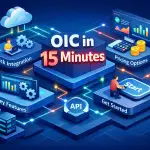
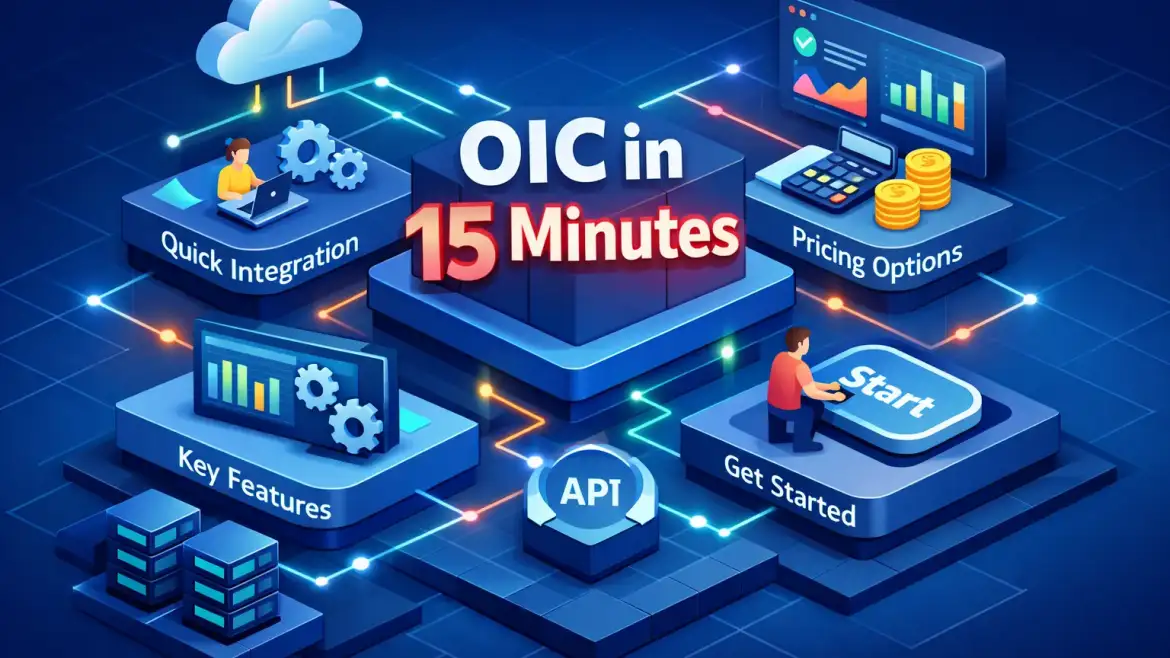
15‑Minute Quick Start — build a REST trigger → JDBC insert
Lab overview: this lab creates a REST endpoint that accepts JSON and inserts a row into a test JDBC table. Pre‑reqs: active OIC trial or CloudShine lab access, credentials for a test DB, Postman/curl and sample JSON.
- (2 min) Create and test a REST connection: define relative URI and POST schema; use sample JSON to auto‑detect the request schema.
- (3 min) Create JDBC/DB connection: configure connection string/credentials, test connectivity to your test schema.
- (2 min) Create an App Driven Orchestration integration and name it; pick or create a package.
- (3 min) On the canvas drag the REST trigger, configure the request schema and sample payload.
- (3 min) Add JDBC invoke, specify an INSERT SQL operation, open the mapper and map fields.
- (1–2 min) Activate, send a test payload via Postman, validate the DB record and review trace logs.
Troubleshooting checklist:
- Credential failures — check stored secrets and agent groups for on‑prem DBs.
- Schema mismatches or nulls — validate sample payload and mapper test output.
- Timeouts — verify network/agent configuration and increase JDBC timeouts where required.
Next steps to productionize: add error handlers and retries, secure the endpoint with OAuth or API Gateway, add monitoring alerts and message DLQ patterns.
CloudShine note: CloudShine provides a preconfigured OIC lab with this REST→JDBC skeleton, recorded steps and interview‑ready exercises—useful if you prefer guided, hands‑on training plus placement support.
Quick FAQs
Q: Is there a native Workday adapter? A: Workday is commonly integrated via REST APIs; check the current adapter list—OIC offers REST connectivity and adapter options when available.
Q: Can OIC connect to Snowflake? A: Yes. Common patterns are JDBC queries/invokes or staging files in OCI Object Storage with Snowpipe for near‑real‑time vs batch loads.
Q: How does Oracle bill OIC? A: Either legacy OCPU or the message‑pack model (5K messages/hr packs). Use the message‑pack model for modern deployments and request a region‑specific quote.
Q: Will AI create perfect mappings? A: No. AI speeds scaffolding and suggests mappings, but you must validate transforms and sanitize sensitive fields.
Key takeaways & next move
OIC is a pragmatic, enterprise iPaaS for Oracle‑centric and hybrid landscapes: it bundles connectors, low‑code flows, monitoring and useful AI scaffolding under OCI governance. For a quick confidence boost, clone the 15‑minute lab and verify adapter coverage for your target systems.
If you want structured, hands‑on training with live instances and placement support, CloudShine runs focused OIC workshops and labs that replicate the steps above and prepare you for real interviews.