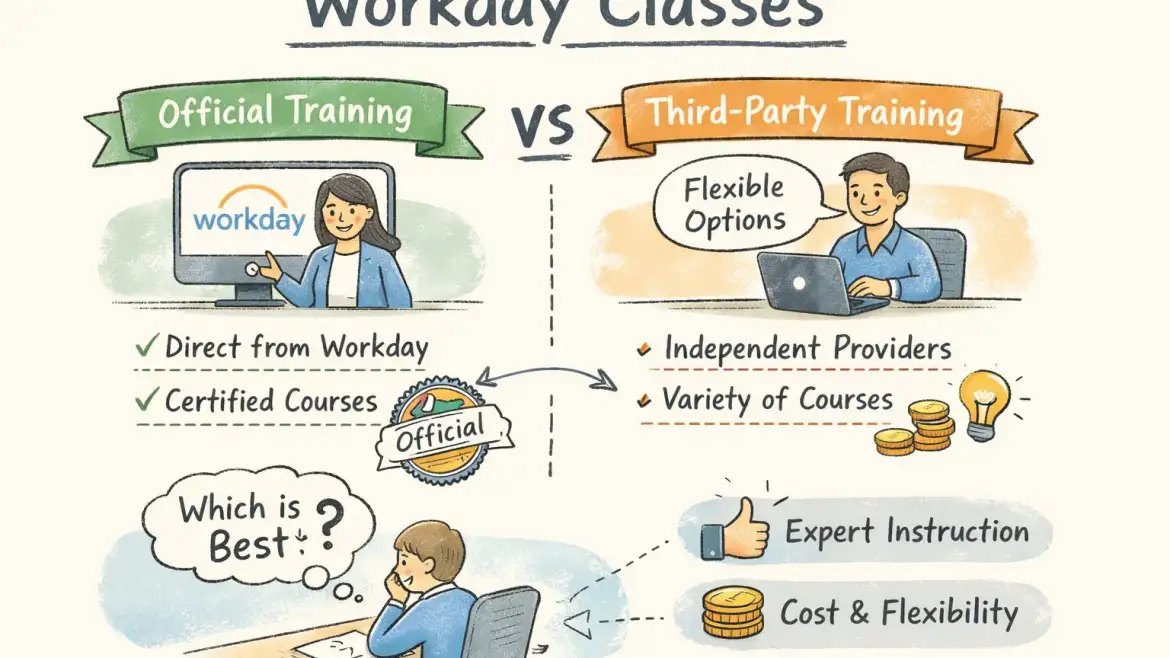
Direct answer: Workday classes split into two practical routes: the official Workday Academy and Pro certifications (best when your employer or partner sponsors study and you need vendor recognition) or third‑party bootcamps and self‑study (best when you need affordability, hands‑on labs, and placement support). If you want live tenants plus interview practice, CloudShine runs short, practical Workday bootcamps with live instances, mock interviews and placement assistance.
Official Workday training: what it is, who it’s for, and the tradeoffs
Quick takeaway: Official training and Workday Pro carry the strongest enterprise credibility but are often gated to customers/partners and typically paid for by employers.
What the official path covers
Workday’s official paths center on Workday Pro certifications and module‑focused courses: HCM Core, Advanced Compensation, Payroll (including country‑specific payrolls), Financial Management, Integrations, Platform Administrator, Adaptive Planning, and specialist tracks. Some Pro paths allow exam‑only routes for experienced implementers; many specialty tracks require coursework via Workday Academy.
Delivery modes and access limits
Delivery ranges from ten‑hour on‑demand modules (Learn with Workday) to instructor‑led Academy cohorts and enterprise adoption kits. Crucially, many official classrooms and sandboxes are available only to Workday customers, partners, or employees—confirm access before you plan time or money.
Recertification and rules
Workday moved to a two‑year recertification cycle (update, 2024). Exam formats are proctored, scenario‑based, and commonly require an 80% passing score. Specific prerequisites and retake policies vary by module.
Pros and cons (realistic): Official training is widely recognized and often required for enterprise roles; downside is higher cost, restricted access for independents, and limited placement focus.
Actionable takeaway: If your employer will sponsor certification, follow the official path for credibility. If you’re independent or changing careers, pair third‑party hands‑on training with exam prep instead of relying solely on vendor courses.
Third‑party Workday courses: providers, price bands, and what to verify
Quick takeaway: Third‑party providers fill real gaps: lower entry price, flexible schedules, and (when done right) stronger lab access and placement support for job seekers.
Price and depth vary sharply. Budget primers on marketplaces (example: Udemy-like courses) run under $20 and teach concepts. Midrange instructors and academies charge roughly $200–$600 for module‑level, instructor‑led training with some labs. Premium bootcamps and exam‑prep packages reach $1,000–$2,500 or more.
CloudShine positions itself in the practical bootcamp tier: cohort training that emphasizes live tenant access, trainer mentorship (15+ years industry experience), project work, resume coaching, mock rounds and placement assistance—designed for candidates who need end‑to‑end job readiness.
What to verify before you pay
- Live instance or sandbox access (shared or dedicated) and exact hours available.
- Number and nature of real projects or lab tasks included.
- Trainer background—15+ years is a strong signal for enterprise‑grade instruction.
- Placement support details and realistic timelines for interview help.
- Recordings, refund policy, and a sample syllabus or a sample lab exercise on request.
Actionable takeaway: Shortlist one official option (if eligible) and one third‑party provider with verified lab access. Request a sample lab exercise before you commit. For a recent course-level comparison to help shortlist providers, see a Workday certification courses comparison.
Syllabus, duration, and lab expectations by common module
Quick takeaway: Typical module coverage runs 27–40 hours (4–8 weeks); the deciding factor for employability is whether you get guided, live labs and real configuration tasks.
What you’ll actually learn by module:
– HCM: employee lifecycle, staffing models, compensation basics, business processes, security and reporting.
– Financials: GL/AP flows, budgets, procurement integration and reporting.
– Payroll: pay groups, taxes, deductions, retro calculations and compliance processes.
– Platform/Admin: security configuration, business process troubleshooting and basic integrations (EIB/Core Connectors).
Lab expectations matter more than lecture hours. Before enrolling, confirm whether the provider supplies a Workday sandbox or guided simulation, the number of hands‑on lab hours, and sample lab tasks (for example: build a compensation plan, configure a supervisory org, or create an EIB integration).
Prerequisites: Domain familiarity helps—HR for HCM, accounting for Financials, basic scripting for integrations—but most providers accept beginners while recommending 20–40 hours of prep.
Actionable takeaway: Demand a real lab task and access window in writing before you pay. A syllabus alone is not sufficient evidence of hands‑on training.
If you have experience with Oracle Fusion or similar ERP systems and want relevant reading, these CloudShine guides can help bridge domain knowledge: Oracle Fusion Sales Order to Shipment Cycle | Order to Cash Life Cycle | CloudShine, Oracle Fusion Financial Control & Reporting Important Roles | Oracle Financials Cloud | CloudShine, and Understanding Fusion Purchasing Approvals Hierachy | Know about Oracle Fusion Approval Methods | CloudShine.
A practical decision framework — pick by role, experience and budget
Quick takeaway: Ask three questions: Are you employer‑sponsored? Are you switching careers? What is your budget and timeline? Use answers to choose a targeted path, not every module.
Persona paths:
– Enterprise Employee: employer covers cost → Official Academy + Workday Pro cert.
– The Pivoter (ERP/Finance pro): 2‑month bootcamp on HCM/Finance + Platform Admin; attempt Pro exam if experience supports it.
– The Aspirant (new grad): start with a low‑cost intro, then a hands‑on third‑party HCM bootcamp; build two projects for interviews.
Role→Module mapping (quick scan):
- HR generalist → HCM Core + Advanced Compensation
- Payroll specialist → Payroll + country payroll module
- Finance systems analyst → Financial Management + Integrations basics
- Platform/admin → Platform Administrator + Security
Timeline examples: Single module interview readiness: 6–8 weeks with daily practice. Broader generalist readiness: 12–16 weeks including projects and mock interviews.
Actionable takeaway: Choose the shortest path that demonstrates hands‑on competency for your target role—two well‑built projects beat ten half‑finished modules.
Cost, time commitment and exact enrollment checklist
Quick takeaway: Budget realistically: official routes often cost $1.5k–$5k (commonly employer‑funded); third‑party ranges from <$20 to $2.5k+. Plan for 27–40 hours per module plus project time.
Cost bands:
– Official Academy/certification: typically $2,000+ (many employers cover this); exam packages often reported in the $1,500–$3,500 range.
– Third‑party: free/cheap intros on marketplaces, midrange bootcamps $200–$600, premium $1,000–$2,500+.
Exact enrollment checklist (do these before you pay):
- Pick your target role and module.
- Confirm whether official Academy access applies to you (customers/partners often have access).
- Shortlist 2–3 third‑party providers and request a sample lab task and trainer CV.
- Confirm live tenant or sandbox hours, cohort schedule, and placement support details.
- Enroll and set a study calendar; only book an exam after completing labs and mock tests.
If your role involves procurement or order management, see the CloudShine guide on Order to Cash Back to Back Buy Flow, Step 1: Order Creation, CloudShine for practical order flow context. Likewise, if you come from finance and want to avoid common mistakes, read Common Errors in Oracle Fusion Cost Accounting, CloudShine.
Sample 6‑week study plan:
- Weeks 1–2: Core concepts + 5 guided lab tasks.
- Weeks 3–4: Advanced flows + two real projects.
- Week 5: Full mock configuration + practice exam.
- Week 6: Portfolio polish, resume bullets, and interview prep.
Actionable takeaway: Insist on lab access or a clear refund tied to lab availability. If HR will sponsor it, get written approval and an expected timeline for exam reimbursement.
How certifications convert to jobs, a 30‑day action plan, FAQs and next steps
Quick takeaway: Certifications open doors—employers prefer certified candidates and certified professionals often see 10–35% salary uplifts—but hands‑on evidence (projects, tenant screenshots, interview performance) is what closes offers.
Convert training into a hireable profile:
– Build two short case studies with screenshots and concise outcomes.
– Add precise resume bullets listing module, tenant exposure, and key tasks.
– Run at least three mock interviews (CloudShine includes mock rounds and resume reviews in placement support).
30‑day action plan (weekly, executable):
- Week 1: Get tenant access, complete orientation tasks, and finish five basic labs.
- Week 2: Complete project #1 (configuration + report) and document screenshots.
- Week 3: Complete project #2 and refine your one‑page case study for interviews.
- Week 4: Three mock interviews, finalize resume, and apply to prioritized roles.
For more on why certification matters and how it helps your career trajectory, see this primer on the 8 reasons to become a Workday certified professional. For a concise take on the broader value of certification, this write-up on the value of Workday certification is also useful.
Recommended providers by need
Employer‑funded: Workday Academy. Job readiness + live labs: CloudShine bootcamps (practical labs, mentor support, mock interviews). Self‑paced basics: marketplace courses. Certification prep: select mid‑to‑premium third‑party bootcamps with exam practice. If you want a straight how‑to guide on certification steps, read how to become Workday certified.
FAQs
Q: How much do Workday certifications cost? A: Varies—combined training and exam commonly range $1,500–$5,000; many candidates get employer sponsorship.
Q: How long until I’m job‑ready? A: With hands‑on training and two projects expect 6–12 weeks to be interview‑ready.
Q: Are official classes available to individuals? A: Some on‑demand materials exist, but full Academy access and many certification paths are reserved for customers and partners.
Q: How often must I recertify? A: Workday moved recertification to a two‑year cycle (verify for your module).
Final summary: If your employer or partner will sponsor training, choose the official Workday Academy for maximum enterprise credibility. If you’re paying yourself or pivoting careers, pick a third‑party bootcamp that guarantees live tenant access, project work, and placement support—those elements determine hiring success. CloudShine’s short, practical bootcamps combine live instances, experienced mentors, and mock interview rounds to convert learning into job offers. For an extra perspective when choosing vendors, consult a recent Workday certification courses comparison to validate features and pricing.
Next step: Pick a target role, ask providers for a sample lab task, and schedule your first tenant session within seven days. If you want a placement‑focused route with real tenants and mock interview rounds, check CloudShine’s upcoming Workday bootcamps.