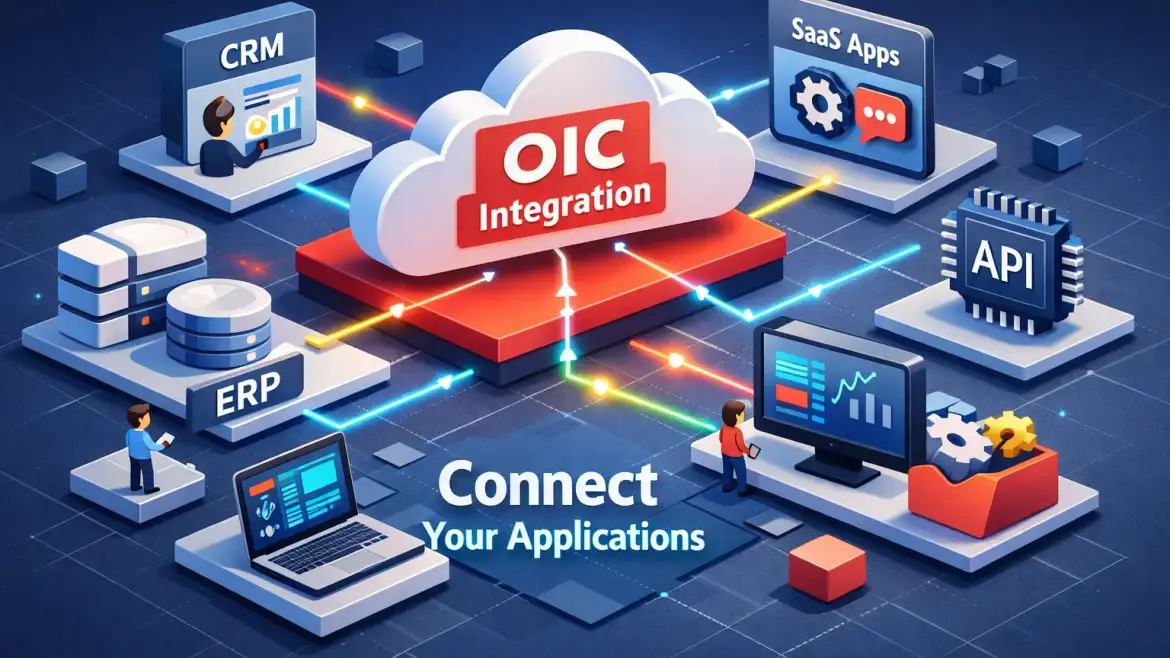
Oracle OIC Integration is a low‑code iPaaS that lets you connect cloud and on‑premises applications, automate business processes, and use prebuilt adapters while running on OCI. Use it when you need visual orchestration, hybrid connectivity, and ready connectors for Oracle, Salesforce or SAP — this guide walks you from fit‑decision to a working ERP→Salesforce flow, the same practical scenario we teach in CloudShine’s live labs.
What OIC does, when to pick it, and quick terminology
Put simply, Oracle Integration Cloud (OIC) is an integration platform that combines three cores: application integration (connectors and orchestrations), process automation (human tasks and approvals), and visual mapping (drag‑and‑drop transforms). It runs on Oracle Cloud Infrastructure (OCI) for scale and enterprise security, and supports both event‑driven and scheduled patterns.
Pick OIC when you rely on prebuilt adapters (Oracle SaaS, Salesforce, SAP), want a low‑code designer to speed delivery, or must bridge on‑prem systems securely with a connectivity agent. It’s also the right choice if you need close OCI integration for identity, networking, or API management.
Names can confuse: ICS was the older label; OIC is the mainstream term and OCI Integration (Gen3) is the current OCI‑native generation with project-based lifecycle and messages‑per‑hour billing. Feature sets and deployment patterns differ between generations, so confirm your tenancy uses Gen3 when planning architecture.
Actionable litmus test: ask these three questions. If you answer “yes” to at least two, OIC is a strong fit: Do you need Oracle SaaS adapters? Do you require hybrid on‑prem connectivity? Is your org on OCI or planning an OCI tenancy?
Core components & architecture you must understand
Think of the platform as two planes (design time and runtime) plus connectors and OCI plumbing. Design time is the console and project workspace where you build integrations; runtime is the integration engine that executes flows. Connectors/adapters talk to external systems, the Integration Cloud Connectivity Agent enables private network access, and OCI services (IAM, VCN, API Gateway, Monitoring) provide security, networking, and observability (see System Integration Flows: Best Practices and Techniques, CloudShine and the Oracle Cloud Architecture Center for reference).
Adapters abstract protocol, authentication and metadata discovery: they translate an ERP business object into a canonical payload and surface operations you can map. For common SaaS systems this removes low‑level API work, but adapters still require correct credentials, scope and sometimes manual field selections (EFFs/DFFs) for custom fields.
The Connectivity Agent is your hybrid bridge. Install it on a Linux VM inside the network that hosts your on‑prem systems, and register it to an agent group in OIC. Use the agent when private endpoints or FastConnect/VPN cannot expose systems to the public internet; otherwise API Gateway or private endpoints are alternatives.
Gen3 organizes work into projects and deployments: author integrations in dev, deploy artifacts to test and prod, and promote via export/import or CI/CD pipelines.
- Quick pre‑start checklist: OCI tenancy & IAM roles, endpoints & TLS certs, service accounts/credentials for target systems, and an agent VM if any systems are on‑prem.
Choosing the right connectors — practical guidance
Stop treating adapters like a shopping list and start with decision patterns. Use SaaS adapters when you need business‑object awareness and event subscriptions (ERP Cloud, HCM, Salesforce). Use REST/SOAP adapters when you control the API surface or the target exposes generic endpoints. Use the Database adapter for scheduled bulk loads or extracts where transactionality is managed at the DB level. Build a custom adapter only when protocol or security needs cannot be met by existing adapters.
Common pairings and caveats: the Oracle ERP Cloud adapter is ideal for business events, synchronous queries and FBDI callback handling, but confirm your ERP event catalog and payload shapes before mapping (see Oracle Cloud ERP: Benefits, Challenges and best practices in Implementation, CloudShine for implementation considerations). The Salesforce adapter handles change data and bulk operations; watch OAuth flows and token refresh settings. SAP and Workday adapters are powerful but have module‑specific limits—plan test cases early. Database adapters are efficient for nightly batches but require attention to transactional consistency and locking.
Rapid Adapter Builder and custom REST adapters are useful when you need a thin wrapper around a REST API; prefer these for lightweight integrations rather than full adapter development.
Actionable guide: use the ERP adapter for event‑driven invoice pushes, the Salesforce adapter for CRM upserts and change data capture, the DB adapter for nightly bulk exports/imports, and REST/SOAP adapters for bespoke endpoints.
Hands‑on walkthrough — build, test, and deploy a basic ERP → Salesforce integration
Prerequisites: an OIC instance in OCI, ERP Cloud and Salesforce test credentials, a connectivity agent if ERP is on‑prem, and a sandbox Salesforce org for validation.
- Provision & project setup. Create a project in OIC. Choose an integration type: event/app‑driven if ERP sends business events, or scheduled if you poll a feed. Enable tracing for initial debug runs.
- Configure adapters. Add the Oracle ERP Cloud adapter as the trigger (subscribe to invoice or business event) and the Salesforce adapter as the invoke. Configure OAuth for Salesforce (use an Authorization Code flow with refresh_token scope) and the appropriate credentials for ERP (see the Oracle guide on creating connections in Oracle Integration for connection prerequisites and authentication details).
- Map and transform. Use the visual mapper to align ERP invoice/customer fields to Salesforce objects. Implement lookups for existing records, enrich data where required, and add error mapping to capture faults to a dead‑letter record.
- Test locally and end‑to‑end. Run the built‑in tester with sample payloads, then simulate a real ERP event or use Postman to post sample messages. Turn on debug traces and inspect payloads and variable values in the run traces.
- Deploy and promote. Package the integration for deployment, export/import between environments, and activate in production only after smoke tests pass. Optionally automate promotion with OCI DevOps or Resource Manager pipelines (see the OCI DevOps CI/CD guide).
Common failures to check first: authentication errors (bad client secret or expired token), schema mismatches (missing fields), and agent offline events. Use trace logs and adapter health pages to diagnose quickly.
- Quick lab checklist: provision instance, create project, wire adapters, map fields, run end‑to‑end test.
Run‑time & production best practices — security, connectivity, error handling, monitoring, tuning
Secure by default. Apply least‑privilege roles in OCI IAM, enable MFA for admins, store secrets centrally with KMS, and enforce TLS 1.2+ for endpoints. Protect public APIs with API Gateway and rate limiting.
Network design matters: put OIC in a compartment with VCN segmentation, use NSGs to restrict access, and choose Service Gateway or FastConnect for private OCI traffic. Use the Connectivity Agent only when you cannot expose systems via secure endpoints.
Build resiliency with retry policies, dead‑letter handling, and parent/child patterns for long jobs. Break long processes into smaller, resumeable units to prevent timeouts and resource blocking.
For observability, rely on OCI Monitoring, Logging Analytics, and Cloud Guard. Create dashboards for failed messages, processing time, and invocation counts; set alerts for error spikes or agent offline events. Tune by avoiding chatty calls—prefer bulk APIs and batching; test with production‑like payload sizes.
- Production runbook (short): security signoff, agent redundancy, performance test, monitoring rules, retry/playbook, backup & rollback, go/no‑go checklist.
Checklist, common pitfalls, next steps — and where to get hands‑on practice
Readiness checklist in one line: valid credentials, agent installed (if needed), mappings complete, unit & E2E tests green, monitoring & alerts configured, and a deployment rollback plan.
Top pitfalls and fixes:
Missing/expired credentials: implement token refresh and centralized secrets (KMS). Monitor token errors in logs.
Agent unreachable: verify firewall, proxy and VCN routes; check agent logs and restart the agent service.
Schema drift: add schema validation and versioned integration artifacts; maintain a contract for endpoints you consume.
Chatty APIs: prefer bulk endpoints or batch processing; add throttling to avoid rate limits.
Long scheduled jobs: refactor into parent/child integrations with resumable state.
No monitoring: enable trace retention and set alerts pre‑go‑live; you cannot react to what you don’t measure.
Next projects to practice: an event‑driven invoice push (ERP→CRM), an HR hire‑to‑pay workflow, and a nightly ERP data sync into a reporting DB (masked production schema recommended). If you need help selecting a service provider for implementation, review How to Choose the Right Oracle Implementation Partner: Key Considerations, CloudShine.
CloudShine practical option: for structured, mentor‑led learning with live OIC instances, 100% practical labs and placement support, CloudShine’s Oracle Integration courses map directly to this checklist and accelerate hands‑on readiness (see Oracle Fusion Training: Things to Know Before You Learn, CloudShine and The Role of an Oracle Fusion Consultant in Successful ERP Implementation, CloudShine for related guidance).
FAQs
What’s the difference between OIC and OCI Integration Gen3? Gen3 is the OCI‑native, project‑based generation of OIC with serverless patterns and messages/hour pricing; features and deployment models improved over legacy ICS/OIC versions.
Do I always need the Integration Cloud Agent for on‑prem systems? Use the agent when private network access is required. If you can expose secure endpoints through API Gateway or Service Gateway, the agent may be unnecessary.
Which adapter should I pick for bulk ERP exports? Database or straight FBDI/FTP patterns are better for bulk transfers; use the ERP adapter for event‑driven or transactional pushes.
How do I monitor OIC integrations in OCI? Ingest OIC metrics into OCI Monitoring and Logging Analytics; track failed messages, processing times and invocation counts and set alerts on error rate and agent health (see Oracle Application Integration for platform capabilities).
Can I automate OIC deployments with OCI DevOps? Yes — use OCI DevOps or Resource Manager to script export/import and pipeline promotion for CI/CD of integration artifacts.
Final takeaway: In your first week provision a trial OIC tenancy, build the ERP→Salesforce example, enable tracing, set one alert for failures, and repeat until you can reproduce and fix a failed run. If you prefer guided labs with live instances and mentor support, CloudShine’s hands‑on courses are built around these exact exercises and the placement outcomes you need.