Quick answer and CloudShine hook — the short verdict
SaaS when you want packaged business applications with minimal ops; PaaS when you need managed developer platforms and fast extensibility; IaaS when legacy fidelity or OS‑level control is non‑negotiable. Most real projects land on a hybrid: SaaS for core processes, PaaS for new integrations and analytics, and IaaS for legacy adapters or specialized performance needs.
If you searched for guidance on “oracle saas paas iaas”, this article provides a practical map, a decision checklist, and a two‑week POC pattern to lock your model. OCI’s growing PaaS catalog and Universal Credits options shift the cost tradeoffs—so don’t pick by habit.
What you’ll get: a concise service map (OCI → SaaS/PaaS/IaaS), a cost vs control framework (Universal Credits explained), tenancy and SSO patterns, a migration playbook, a decision checklist, and four short FAQs. At CloudShine we use these patterns in hands‑on migration workshops and live labs; this is the same checklist we run with students and enterprise teams.
How Oracle’s catalog maps to SaaS, PaaS and IaaS — a practical service map
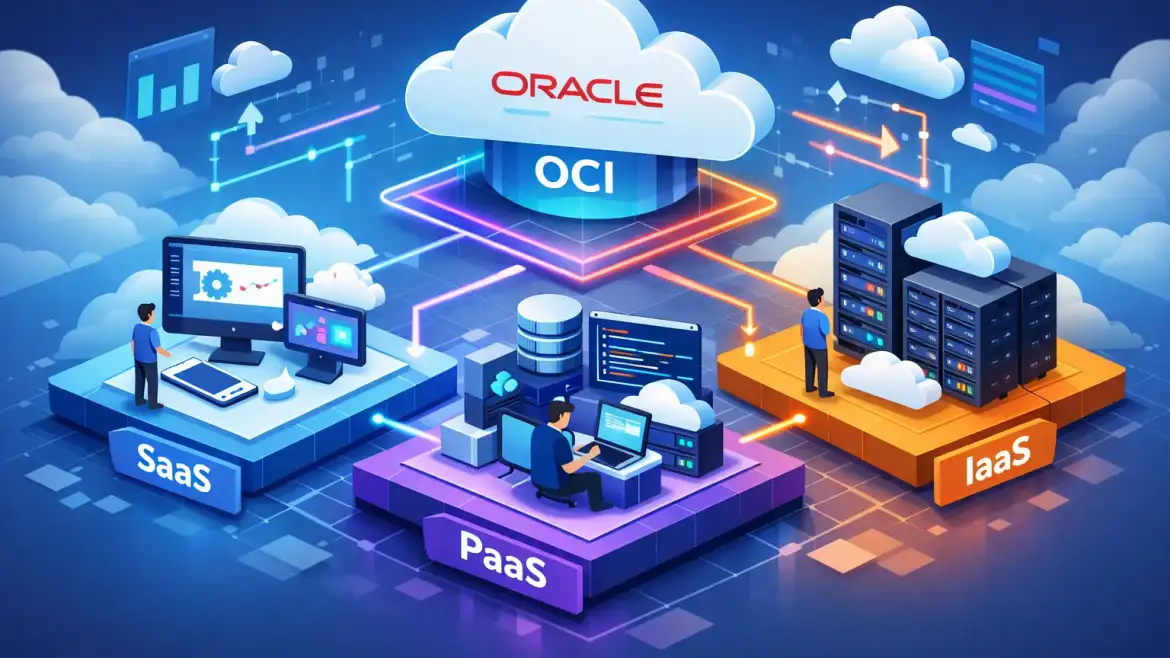
Oracle separates Oracle Cloud Applications (the ready‑to‑use apps) from OCI platform and infrastructure services. The simplest classification rule: if Oracle runs the application and you only configure it, it’s SaaS; if Oracle manages the runtime/platform but you deploy code or extensions, it’s PaaS; if you manage OS, network and storage, it’s IaaS.
SaaS (managed applications): Fusion Cloud ERP, HCM, SCM, Oracle CX and NetSuite. These are subscription products you configure; Oracle operates updates and infrastructure.
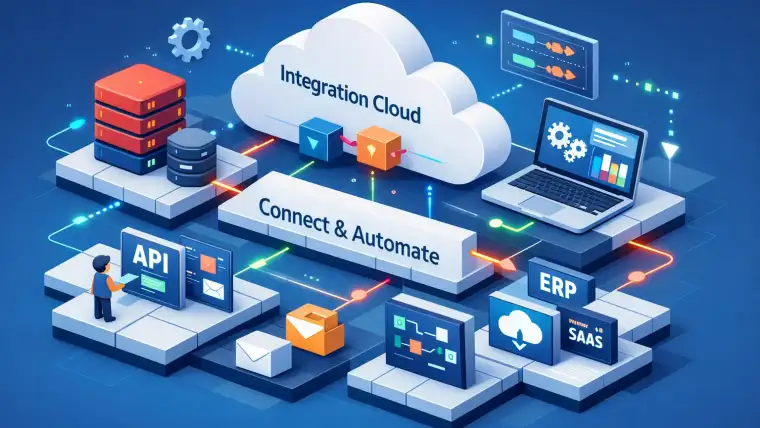
PaaS (managed platforms): Autonomous Database, Integration Cloud, API Gateway, Oracle Kubernetes Engine (OKE), OCI Functions, Visual Builder, Analytics/BI Cloud. Oracle manages the platform layer and provides developer tooling and extension APIs.
IaaS (infrastructure): Compute (VMs/bare metal), Block/Object Storage, Virtual Cloud Network (VCN), Load Balancer, FastConnect, Bastion, Network Firewall, KMS. You provision and operate the full stack above firmware.
Edge cases: Exadata and some database offerings sit between PaaS and IaaS—treat them as managed infrastructure when you need hardware fidelity (IaaS characteristics) and as platform when Oracle manages the DB operations (PaaS characteristics). Always confirm the update and maintenance responsibility in the service docs for borderline offerings.
Actionable tip: create a one‑page inventory of your apps and tag each with who “owns the stack” (you vs Oracle). Use that as the first filter in your model decision.
Trade‑offs: cost, control, customization (Universal Credits explained)
Your choice is a three‑way trade: operational overhead, customization surface, and cost predictability. SaaS minimizes ops, PaaS strikes a balance with managed services you can extend, and IaaS maximizes control at the cost of running everything yourself.
Universal Credits (UCC) apply to OCI IaaS and PaaS services, not Oracle SaaS applications. UCC offers annual prepaid commitments (discounted rate card) or Pay‑As‑You‑Go (monthly billing). Typical negotiation patterns: small commitments (~$500K/yr) often net ~10% discounts, $1M–$5M can reach ~15–20% or more; larger strategic deals go deeper. Metering is service specific: OCPU‑hour for compute/DB, GB/month for storage, AI/Inferencing units for AI services, and asset‑based minimums for some managed apps. See Oracle’s pricing information for a starting reference when modeling commitments.
Heuristics to choose by business need: choose SaaS when standardization and speed to value trump customization; choose PaaS when you want managed services with extension points; choose IaaS for lift‑and‑shift, strict compliance, or when OS‑level control is required. For a quick checklist on modernization readiness, review our top 10 signs that it’s time for modern cloud applications. For costs, build a 12‑month TCO that combines SaaS subscription fees, projected PaaS metering (OCPU/AI units), and conservative UCC drawdown estimates versus PAYG invoices.
Tenancy, identity and security patterns when combining SaaS with PaaS/IaaS
Make tenancy and identity decisions before migration—these are expensive to change later. Default to a single OCI tenancy with well‑designed compartments: separate compartments by environment (prod/stage/dev), team, or tenant. Use distinct VCNs and dedicated node pools for noisy or performance‑sensitive workloads. For detailed guidance on tenancy patterns, see Oracle’s multi‑tenancy best practices.
For identity, federate your corporate IdP to OCI Identity Domains or use OCI IAM with federated SAML/OIDC to provide unified SSO across Oracle SaaS and your custom PaaS/IaaS apps. Enforce RBAC with least privilege and use JWTs for service‑to‑service auth in microservice patterns.
Data segregation: schema‑per‑tenant is lower cost and easier to scale for many tenants; DB‑per‑tenant provides stronger isolation for compliance‑sensitive workloads. Choose based on scale, backup/restore SLAs, and regulatory requirements.
Security guardrails to enforce from day‑one: enable Cloud Guard, centralized Logging and Monitoring, KMS for tenant keys, bastion hosts for admin access, and network firewalls. Start with the CIS OCI Landing Zone as your minimum baseline.
Practical blueprint items to produce before a POC: compartments and mapping, CIDR ranges, IAM groups and policies, logging destinations, key management plan, and an incident response contact list.
Migration patterns and a one‑page playbook
Match the migration pattern to the business goal: speed, cost reduction, modernization, or process change.
Lift‑and‑shift (rehost) preserves existing VMs and configs for the fastest migration. Replatform swaps in managed services like Autonomous DB or right‑sized VMs to reduce ops without rewriting. Refactor modernizes apps into microservices and PaaS to gain agility — higher ROI but longer delivery. Replace with SaaS when Fusion or NetSuite meets your functional needs and you want to transfer operations to Oracle.
Tools you’ll use include OCI Migration Hub and Oracle migration services for discovery and lift‑and‑shift, Database Migration Service and GoldenGate for DB replication, Resource Manager (Terraform) for infra as code, Cloud VMware Solution for VMware migrations, and Data Transfer appliances for large data seeding. For operational guidance and checklists, consult our Oracle Cloud implementation best practices.
Two‑week POC playbook (run this exactly):
- Inventory and classify target app by model (SaaS/PaaS/IaaS).
- Choose a candidate app with low business risk but representative workloads.
- Provision target resources and follow the tenancy blueprint.
- Replicate data (DMS/GoldenGate) and run functional smoke tests.
- Execute performance tests and capture metering for 30 days of simulated load.
- Review cost estimate, finalize cutover runbook, and test rollback end‑to‑end.
Cutover highlights: validate replication lag, switch DNS with low TTL, run smoke tests and business validation, have rollback triggers defined, and communicate cutover windows to stakeholders.
Decision checklist, hybrid recipes, CloudShine options, and FAQs
Use this one‑page checklist to lock your model before execution.
| Criterion | Question / Note |
|---|---|
| Business priority | Speed to market, customization, cost, or compliance? |
| App type | Standard ERP, custom web app, database, batch job? |
| Team skills | Cloud DB & Kubernetes skills available? |
| Ops appetite | Do you want to operate middleware or hand it to Oracle? |
| Cost tolerance | Willing to commit to UCC or prefer PAYG flexibility? |
Three hybrid recipes you can reuse: First, SaaS ERP (Fusion) as the core, Autonomous DB for analytics (PaaS), and IaaS VMs for legacy interfaces. Second, a PaaS‑first modernization: Autonomous DB + OKE for stateless services, keeping VMs during refactor. Third, IaaS lift‑and‑shift with a 12–18 month refactor roadmap to extract services to PaaS.
CloudShine option (practical and hands‑on): we run a two‑day migration readiness workshop with live OCI instances, hands‑on labs, a 25‑point tenancy checklist, and placement support for trained consultants. Book a free 30‑minute migration checklist review with CloudShine to validate your plan.
FAQs
Does Universal Credits cover Oracle SaaS? No. Universal Credits apply to OCI IaaS and PaaS services. Oracle SaaS applications (Fusion, NetSuite) use separate subscription contracts.
How do I tell if an OCI service is PaaS or IaaS? Check who manages updates and the surface area for extensions: managed runtimes and developer APIs indicate PaaS; raw compute, storage, and network primitives indicate IaaS.
When should I replace on‑prem ERP with Oracle Fusion SaaS? Replace when Fusion maps to your processes and you value rapid TTM and reduced ops. If you need heavy customization, consider a phased route: integrations on PaaS and adapters on IaaS. See our Fusion vs EBS comparison and the evolvement of Oracle Fusion Financials to help with a phased decision.
What tenancy and SSO pattern should I use for mixed SaaS + custom apps? Default to a single OCI tenancy with compartments, federate your IdP for SSO, and enforce least‑privilege IAM. Use separate tenancy only for strict regulatory or billing isolation.
Summary: pick SaaS for speed and minimal ops, PaaS for managed extensibility, IaaS for control. Start with the one‑page inventory, run the two‑week POC, and use the decision checklist above. If you want hands‑on support, book CloudShine’s migration readiness workshop or a free 30‑minute checklist review.