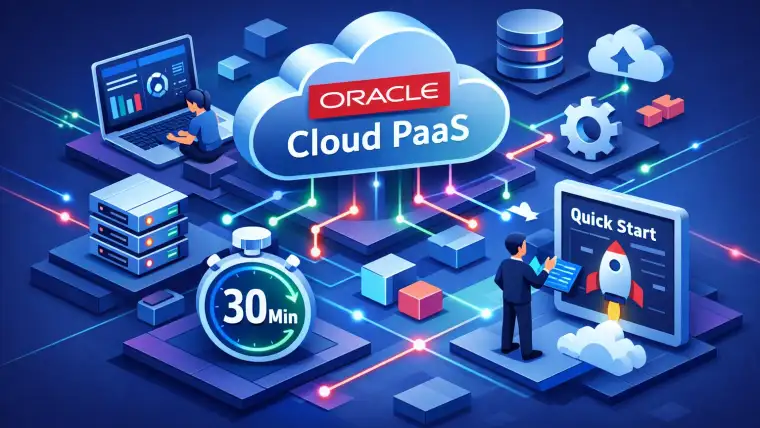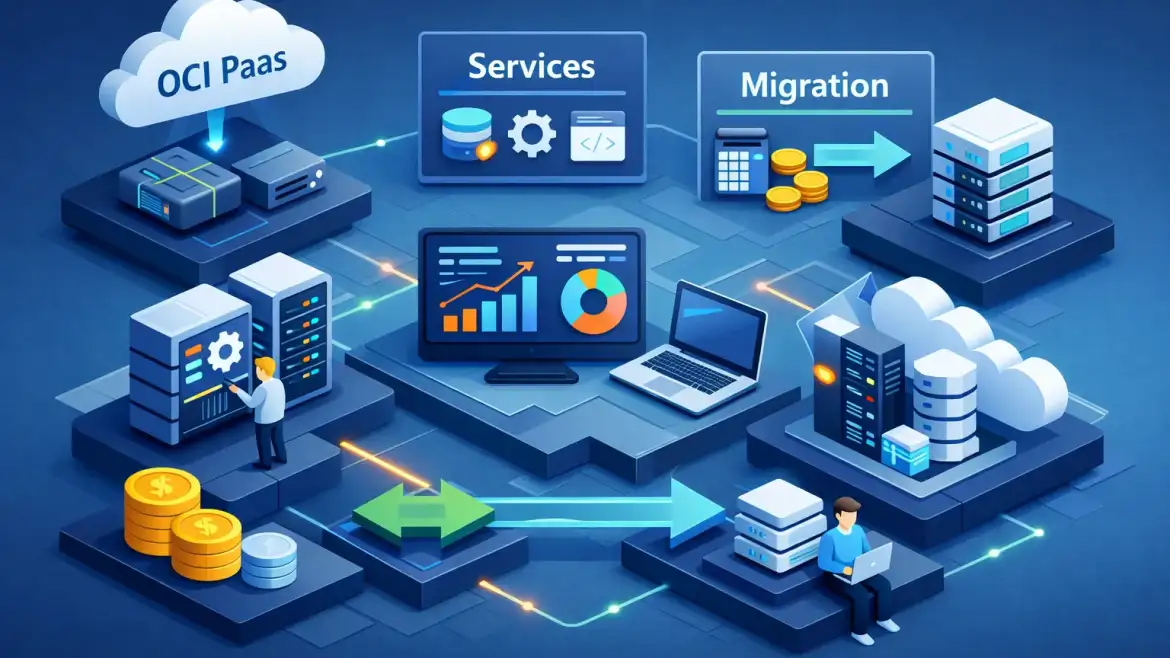
Direct answer: OCI PaaS bundles managed platform services — databases, integration, containers, serverless, analytics and middleware — so you can deliver faster with less ops overhead. Use platform services when developer velocity, built‑in scaling, and managed security matter; keep IaaS if you need full OS control, legacy parity, or strict compliance isolation.
This playbook explains the core Oracle Cloud PaaS offerings, matches them to common enterprise patterns, contrasts PaaS vs IaaS tradeoffs, and gives a step‑by‑step migration checklist with cost and security guardrails. CloudShine uses these exact patterns in hands‑on workshops to prepare teams for production migrations.
OCI platform services at a glance — core services you should know
Below is a compact inventory: what each service does and a typical enterprise use case.
| Service | What it is | Typical enterprise use case |
|---|---|---|
| Oracle Autonomous Database (ATP / ADW) | Self‑driving OLTP and analytics databases | Transactional ERP workloads or data warehouses without heavy DBA operations |
| Oracle Integration Cloud (OIC) | iPaaS for app‑to‑app integration and process automation | Orchestrating SaaS, on‑prem and cloud systems with prebuilt adapters |
| Oracle API Platform / API Gateway | Design, secure and expose APIs | Public/internal API management and governance |
| Oracle Functions | Serverless, event‑driven compute | Short‑lived, bursty tasks or lightweight glue code |
| Container Engine for Kubernetes (OKE) & OCIR | Managed Kubernetes and container registry | Microservices and containerised applications at scale |
| Oracle Analytics Cloud | BI and reporting as a service | Near‑real‑time analytics with ADW |
| Oracle APEX | Low‑code application platform | Rapid internal apps, forms and ERP extensions |
| GoldenGate / Data Integration / Data Flow | Real‑time replication, ETL and Spark processing | CDC migrations, streaming pipelines, and batch ETL |
| Oracle Content Management | Enterprise content and asset management | Web portals and digital asset workflows |
| Observability & Management | Logging, Monitoring, APM | Operational visibility and troubleshooting for PaaS |
| Security & Identity | OCI IAM, IDCS, Vault, Cloud Guard, WAF | Access control, key management and runtime protection |
Note on Autonomous PaaS: An autonomous database or managed middleware reduces operational burden through automation, but it also introduces platform constraints you must plan for — schema features, extensions, and versioning can differ from an unmanaged DB.
Match services to common app patterns — pick the right Oracle Cloud PaaS
Start by classifying the app: stateless vs stateful, throughput profile, integration needs, and team skills. Then map to a pattern that minimizes refactor while maximizing operational gain.
Modern stateless web app
Recommended: Functions + API Gateway + OCIR; choose OKE if the app needs complex networking or long‑running processes. This is fastest to market and cost‑efficient for spiky traffic because you only pay for active execution.
Microservices at scale
Recommended: OKE + OCIR + Load Balancer + Autonomous Database for persistent state. Kubernetes gives you service mesh capabilities and predictable scaling for many services; pair with observability for tracing.
APIs & enterprise integration
Recommended: Oracle Integration Cloud + API Platform + GoldenGate (for CDC). Use OIC’s connectors to reduce custom glue code and GoldenGate to keep source systems synchronised in near real time. See our guide to system integration flows for patterns and best practices when designing integrations at enterprise scale.
Analytics / data warehouse
Recommended: ADW + Analytics Cloud + Data Flow. This stack removes cluster ops and speeds ML data prep and reporting cycles.
Legacy 3‑tier ERP / on‑prem DB
Recommended initial move: lift to Compute or OKE for fast migration, then plan a phased refactor toward Autonomous Database and OIC for long‑term OPEX benefits. When planning ERP migrations, review our notes on Oracle Cloud ERP benefits and best practices and the 10 key features of Oracle Cloud ERP to align technical decisions with business processes.
Low‑code internal apps
Recommended: APEX + Autonomous DB. Fastest route to production for forms, approval flows and ERP extensions with minimal development overhead.
Decision signals (quick): need OS tweaks → IaaS; require rapid feature delivery or auto‑scaling → PaaS; containerizable → lean toward OKE/Functions; strict licensing/compliance parity → consider hybrid or IaaS. For additional context on cloud modernization timing see our post on top 10 signs that it’s time for modern cloud applications.
IaaS vs PaaS on OCI — tradeoffs and a quick decision checklist
PaaS reduces ops, speeds delivery and bakes in telemetry and backups; IaaS gives maximum control and is often the right move for legacy middleware, custom kernel needs, or strict isolation. For Oracle’s vendor perspective see their overview of IaaS vs PaaS.
PaaS pros: fewer patches, autoscaling, built‑in backups and monitoring, faster developer cycles. PaaS cons: less OS/middleware control and potential vendor‑specific refactors.
IaaS pros: full control, straightforward lift‑and‑shift and license portability (BYOL). IaaS cons: more ops overhead, manual scaling, longer time‑to‑market.
Quick checklist (answer yes/no):
- Do you require kernel/OS‑level customizations? (Yes → IaaS)
- Is your app latency‑sensitive and must run next to legacy systems? (Yes → IaaS)
- Is fast feature delivery and lower ops headcount a priority? (Yes → PaaS)
- Can the app be containerized or refactored into stateless services? (Yes → PaaS)
- Are licensing or compliance constraints forcing on‑prem parity? (Yes → IaaS or hybrid)
Pragmatic path: adopt a hybrid approach—lift to Compute/OKE as a first step, then incrementally refactor high‑value components to PaaS (Autonomous DB, OIC).
Migration playbook — step‑by‑step checklist, patterns & tools
Principle: discover, plan, prototype, migrate, validate, operate. Each phase reduces risk and reveals hidden dependencies.
Pre‑migration setup: create compartments, IAM policies, VCN/subnets, allocate Vault keys and budgets, and enable logging and monitoring before you move data.
Discovery & assessment: inventory apps, dependencies, data volumes, peak loads, SLAs, compliance requirements and licensing (BYOL). Prioritise apps by business risk and refactor effort.
Migration patterns: Lift‑and‑shift to Compute/OKE for speed; replatform to containers + OKE for medium effort; refactor to PaaS for long‑term OPEX wins; hybrid when parts must remain isolated.
If you use Oracle API Platform, follow Oracle’s migration guidance to plan service instance moves and configuration changes: learn about migrating API Platform Cloud Service instances.
- Sandbox/PoC: pick a noncritical app and migrate end‑to‑end to validate the flow.
- Provision target resources (compartments, OKE clusters, Autonomous DB instances).
- Data migration: use Data Pump/Export for bulk, GoldenGate CDC for near‑zero downtime, or OCI Data Transfer for very large volumes.
- App migration: containerize and push images to OCIR; deploy to OKE or map to Functions where suitable.
- Integration & secrets: move secrets to Vault, reconfigure IDCS/IAM, set up private endpoints.
- Testing: run functional, load, failover and security scans.
- Cutover: final sync (GoldenGate), DNS swap and traffic cutover during a planned window.
- Post‑cutover: enforce runbooks, backups, monitoring alerts, and decommission legacy assets.
Tools (one‑line each):
| Tool | Purpose |
|---|---|
| OCI Application Migration | Automated discovery and migration for supported PaaS/IaaS assets |
| OCI Cloud Migrations | VM/VMware/agent‑based replication and resource manager stacks |
| GoldenGate / ZDM | Online CDC and zero‑downtime DB migrations |
| Data Pump | High‑speed logical export/import for databases |
| OCI CLI, Resource Manager (Terraform) | Automation, scripting and IaC deployments |
| OCIR, OKE, kubectl, Docker | Container build, registry and orchestration |
Roles & timelines: a small app PoC takes 1–2 weeks; medium apps 4–8 weeks; large programs run in months. Core team: cloud architect, DBA, network, security, and a dev lead.
Tip: test identity flows early — LDAP roles rarely map cleanly to cloud IAM and need explicit remapping.
Control costs and secure your PaaS deployments — practical tips
Cost control and security are operational levers. Tame one and you reduce the other’s risk.
Cost tactics: prefer serverless for spiky tasks and OKE for steady traffic; right‑size Autonomous DB OCPU and pause non‑prod databases during off hours; use Universal Credits or BYOL where licensing helps; run OCI Cost Estimator and enforce budgets and tags; apply lifecycle rules to clean old snapshots and object storage.
Security basics: enforce least‑privilege IAM and compartments, use Vault for customer‑managed keys, enable Cloud Guard and Security Zones, run WAF in front of public APIs, and centralize logging/APM. Register databases with Data Safe and test DR plans. For Oracle’s security guidance see their Cloud Security overview.
Before go‑live ensure encryption, IAM policies, network ACLs, WAF, Cloud Guard and logging retention are all validated.
Compact runbook, next steps and FAQs
10‑step compact runbook:
- Inventory top 10 apps and classify by complexity and risk.
- Run a two‑pattern cost estimate (lift‑and‑shift vs refactor).
- Do a PoC: containerize 1 app and deploy to OKE.
- Pilot DB migration (1 schema) to Autonomous DB or test GoldenGate CDC.
- Configure compartments, budgets and IAM templates.
- Set observability dashboards and cost alerts.
- Schedule migration windows and stakeholder communications.
- Run security scans and compliance checks pre‑cutover.
- Validate rollback and run a mock failback.
- Post‑migration: tag resources and run a 30‑day cost & performance review.
How CloudShine can help: CloudShine runs hands‑on OCI migration workshops and labs (live instances, real configs) to upskill teams and validate this playbook in your environment. For implementation readiness we offer week‑long migration sprints and operator training that includes placement‑ready support for your team members — and if you need guidance on vendor selection, see our article on how to choose the right Oracle implementation partner.
FAQs
What is OCI PaaS and when should I use it?
OCI PaaS is Oracle’s managed platform stack — databases, integration, containers, serverless and analytics. Use it to speed delivery and reduce ops for modern apps; choose IaaS for legacy or when OS‑level control is mandatory.
Can I move an on‑prem Oracle DB to Autonomous Database with zero downtime?
Yes—zero downtime migrations are possible using GoldenGate CDC with a tested cutover plan, but you should validate in a PoC and reserve a short migration window for the final sync.
How do I choose between OKE and Functions?
Pick OKE for long‑running microservices and complex container orchestration; choose Functions for event‑driven, short‑lived tasks with minimal operational overhead.
Where do I find OCI PaaS pricing and a cost estimator?
Use Oracle’s official Cost Estimator and the service price lists to model OCPU hours, function invocations, integration message rates and storage.
Key takeaway: Start with a focused PoC, protect cost and security guardrails, and migrate incrementally from IaaS to PaaS where it delivers the most operational value. When you need hands‑on validation or team upskilling, consider CloudShine’s migration workshops or a week‑long sprint to make the move predictable and teach your operators how to run it in production.