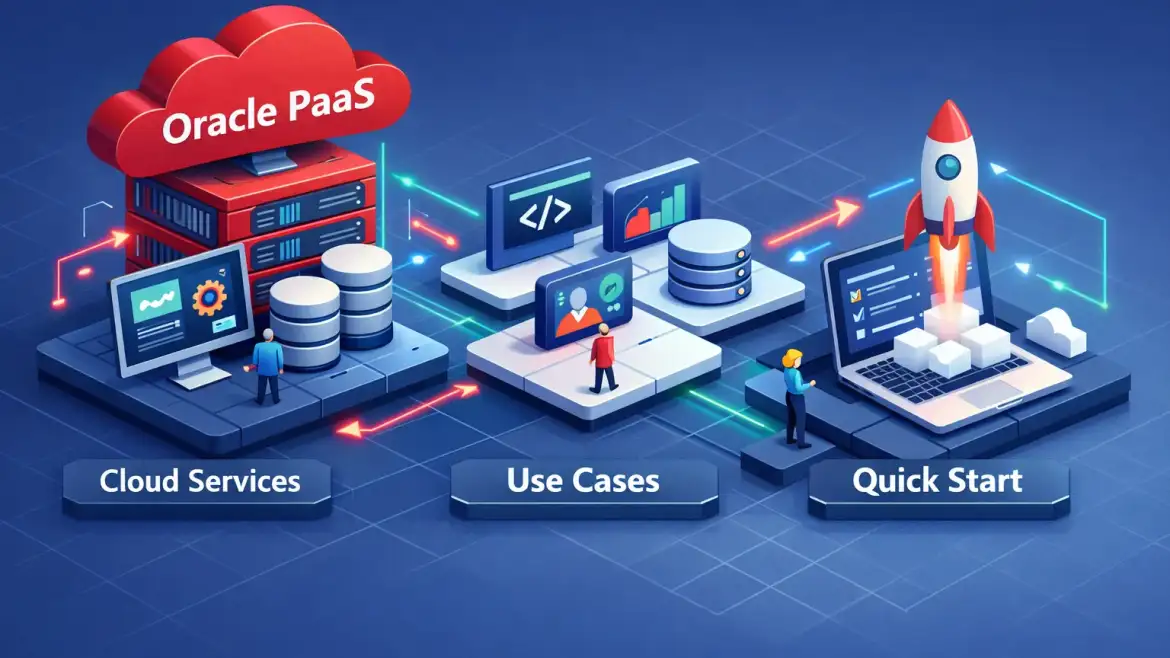
TL;DR: Oracle PaaS on OCI is Oracle’s managed platform layer—runtimes, middleware, APIs, integration and managed databases—so teams build and run apps without managing servers. This guide maps the service surface, shows common industry patterns, gives cost pointers, and includes a one‑page decision checklist plus a copy‑and‑paste 5‑step migration plan you can run as a pilot.
Why it matters: platform services shorten delivery cycles, reduce operational overhead, and speed enterprise integrations across SaaS, on‑prem and APIs. Promise: finish this and you’ll have a one‑page decision checklist and a sprintable pilot plan used in CloudShine’s hands‑on labs.
What Oracle Platform as a Service (OCI PaaS) is — one paragraph
Oracle Platform as a Service delivers managed runtimes, integration tooling, developer services and autonomous databases so Oracle handles OS, middleware, patching and scaling while you own application logic and data models. In plain terms: you stop babysitting servers and start shipping features faster, with built‑in enterprise adapters to link SaaS, on‑prem systems and APIs. Use PaaS when you need rapid custom development, low DB‑ops overhead and fast integrations; avoid it when kernel/OS control or deep legacy binary dependencies are non‑negotiable.
Decision checklist — is PaaS right for this project? Copy these five yes/no checks into your architecture meeting:
- Do we need fast custom apps with many integrations (SaaS ↔ on‑prem)?
- Is our ops team limited or do we want to reduce platform tickets?
- Can we accept no direct kernel/OS access (managed runtime only)?
- Are our licenses and third‑party binaries compatible with managed middleware?
- Do we prefer built‑in adapters and serverless features over managing VMs?
Actionable takeaway: if most answers are “yes,” start with a PaaS pilot; if you need low‑level control, consider IaaS as a first step with a plan to refactor to PaaS later.
Core OCI PaaS services — what they do and when to pick them
Below is a compact reference you can use when mapping requirements to services. Each entry: one‑line purpose and a typical scenario.
Oracle Integration Cloud (OIC)
Enterprise integration with 50+ prebuilt adapters (Oracle SaaS, Salesforce, SAP), process automation and B2B flows — pick OIC to connect SaaS and on‑prem systems quickly and reliably. For a concise feature summary of OIC, see this overview of what the three main features of OIC are, and for a practical list of benefits consider this article on the key benefits of Oracle Integration Cloud.
API Gateway / API Platform
Publish, secure and throttle APIs for internal and external consumers — use as the front door for microservices and partner integrations.
Autonomous Database (ADB)
Self‑driving OLTP/Analytics/JSON databases that automate patching, tuning and scaling — choose ADB to remove DB‑ops and gain fast analytics close to your data.
Visual Builder (VBCS)
Low‑code UI and serverless app builder for admin consoles and citizen development — good for quick internal tools and proofs‑of‑concept.
Oracle Functions (serverless)
Event‑driven stateless functions for lightweight glue code and event handlers — use where pay‑per‑use and fast scale matter.
Oracle Kubernetes Engine (OKE)
Managed Kubernetes for containerized microservices — choose OKE when you need orchestration control and container portability.
Java Cloud / WebLogic on OCI
Fully managed WebLogic stacks for enterprise Java workloads — ideal for lift‑and‑shift Java EE apps with minimal code changes.
Data Integration / GoldenGate / Streaming
CDC, replication and streaming for real‑time pipelines — use for near‑real‑time analytics and migrations with minimal downtime.
Oracle Analytics Cloud / Data Science
Visualization, self‑service analytics and model hosting co‑located with your data — good to turn integration output into insights fast.
OCI DevOps & Resource Manager
CI/CD pipelines and Terraform orchestration to manage PaaS infrastructure as code — necessary for repeatable deployments.
Security & Operations
IAM, Vault, WAF, Monitoring and Logging — production readiness hinges on these controls and should be provisioned early.
Quick integration tip: pair OIC + API Gateway + ADB for a fast, secure pilot architecture that connects systems, exposes APIs, and stores data with minimal operational work.
Actionable takeaway: use these short descriptors as a one‑page cheat sheet when mapping requirements to services during design workshops.
Real‑world patterns and industry wins
Three repeatable patterns show up across finance, retail and manufacturing: integration‑first projects, data‑driven analytics, and app modernization. Pick one for your pilot.
Finance
Pattern: automate loan/credit workflows with OIC for orchestration, ADB for authoritative storage, and API Gateway for secure exposure. Results reported by several banking projects include faster processing, reduced manual steps and lower compliance risk. For finance teams considering modernization, see CloudShine’s writeup on the Evolvement of Oracle Fusion Financials, CloudShine.
Retail
Pattern: connect POS and loyalty systems with OIC, use API Gateway for channel APIs and Analytics Cloud for real‑time personalization. Some retailers report 4–5× engagement acceleration when integration and analytics are centralized. For a practical look at ERP capabilities relevant to retail scenarios, read 10 Key Features / Functions of Oracle Cloud ERP, CloudShine.
Manufacturing / IoT
Pattern: ingest device streams with Streaming/GoldenGate into OKE pipelines and surface insights via Analytics. Manufacturers have measured uptime and productivity gains after centralizing telematics on Oracle’s platform. CloudShine covers supply‑chain modernization in Oracle Helps Customers Embrace Continuous Supply Chain Innovation, CloudShine, which includes real customer examples.
How to replicate these wins in 90 days: run an integration pilot (connect 1 SaaS app + 1 on‑prem system), populate a single ADB analytics dashboard, measure one metric weekly (processing time, engagement lift, uptime %) and iterate.
Actionable takeaway: choose one end‑to‑end use case (integration → storage → insight), instrument it, and aim for measurable improvement in 4–12 weeks. Oracle also publishes customer success stories that can help frame expected outcomes and KPIs.
PaaS vs IaaS vs SaaS — a practical decision checklist for architects
Short framing: PaaS gives developer speed and managed middleware; IaaS gives raw infrastructure control; SaaS gives ready‑made applications with little customization. Responsibility shifts accordingly: Oracle manages OS/middleware in PaaS, you manage app and data.
Run these yes/no checks with stakeholders to decide:
- Do you need kernel/OS access or custom drivers?
- Does your app require legacy binary bindings or unsupported libraries?
- Do you need rapid iteration and many prebuilt adapters?
- Is an off‑the‑shelf SaaS too rigid for required workflows?
- Does your team have DB‑ops capacity to manage production databases?
If you’re still undecided, CloudShine’s Top 10 signs that it’s time for modern cloud applications, CloudShine is a short checklist that maps common enterprise triggers to cloud migration patterns.
Starter PaaS pilot architecture (text diagram): OIC → API Gateway → OKE or Java Cloud → Autonomous DB → OCI Monitoring & WAF.
Actionable takeaway: if stakeholders prioritize speed and integration, choose PaaS for your pilot and document exceptions that force IaaS decisions.
5‑step quickstart & migration checklist to deploy a Java/web app on PaaS
Preflight (prereqs): OCI account with admin IAM, app WAR/EAR, DB schema dumps, JDK inventory, CI/CD access and a test plan. CloudShine labs provide preconfigured OCI instances for rapid setup if you want a hands‑on pilot.
- Inventory (2–3 days) — catalog modules, Java versions, third‑party libs, integrations and file usage; prioritize by risk.
- Compatibility & refactor (1 week) — run jdeps to find internal JDK APIs, update libraries, containerize if using OKE and replace local FS with Object Storage when needed. When planning a Java upgrade or migration, refer to Oracle’s official Java SE migration guide for compatibility notes and tools.
- Provision PaaS environment (1–3 days) — create VCN/subnets/IAM policies, provision ADB or DB Migration Service, spin up OKE or Java Cloud domain, configure API Gateway and Vault.
- Migrate & test (3–7 days) — use Application Migration or WLST for WebLogic, Data Pump/GoldenGate for DB, deploy via CI/CD, run integration and perf tests, validate SSO and security.
- Cutover & monitor (1–3 days) — execute cutover window, enable autoscaling and alarms, validate SLAs and keep rollback snapshots; maintain 2 weeks of elevated monitoring post‑go‑live.
Acceptance checklist (copyable): smoke tests pass; API contract checks clear; DB reconciliation done; latency under target; error rate below threshold; security scan passed.
Common gotchas: internal JDK API usage, sticky sessions vs stateless design, file system assumptions, BYOL license caveats and unexpected egress costs. Typical small app pilot: 2–4 weeks; complex systems require longer.
Actionable takeaway: run the five steps as a sprint with a single owner and one measurable success metric.
Costs, licensing, next steps and FAQs
Cost models: PAYG, Universal Credits (UC) and BYOL. Sample shapes (approximate, validate with Oracle quotes): Autonomous DB ≈ $0.1125/OCPU‑hr; Integration Cloud commonly $400–$625/user‑mo in enterprise deals; small runtime VM shapes can be in the $0.024/hr neighborhood.
| Component | Pricing model | Illustrative cost |
|---|---|---|
| Autonomous Database | PAYG/UC/BYOL | ~$0.1125 per OCPU‑hr |
| Oracle Integration Cloud | Per messages/user (PAYG/UC) | ~$400–$625 per user‑mo (enterprise buys vary) |
| Runtime (VM/OKE) | PAYG/UC | Small VM shapes ~$0.024/hr |
Budgeting tips: start on the free tier, use dev shapes and scheduled start/stop, prefer UC for predictable steady usage and BYOL to reuse licenses where allowed. Pilot budgets: small dev pilot <$1k/mo; mid pilot with OKE + ADB + OIC typically $2–5k/mo depending on scale.
Next practical steps:
- Run the 5‑question decision checklist with stakeholders.
- Spin up an OCI free tier project and deploy a minimal OIC → ADB loop.
- Book a 2‑week CloudShine hands‑on PaaS pilot (live OCI instances, migration checklist and placement‑ready runbook) or schedule a 30‑minute scoping call. For additional perspectives on continuous innovation and SCM takeaways, see Unlocking the keys to continuous innovation: Takeaways from the Oracle Cloud SCM Virtual Summit, CloudShine.
FAQs
Q: What is Platform as a Service and how does it differ from IaaS? PaaS provides managed runtime and middleware so you run apps without managing servers; IaaS gives raw VMs and full infra control. Use PaaS for faster delivery where OS control is not required.
Q: Which OCI services count as PaaS? Key PaaS services include Oracle Integration Cloud, Autonomous Database, API Gateway, Visual Builder, Functions, OKE, Analytics and DevOps/Resource Manager.
Q: How long does a typical Java/web app migration take? Small app pilots commonly take 2–4 weeks for inventory, compatibility fixes, migration and validation; larger systems require more time and phased plans.
Q: Can I reuse existing Oracle licenses on PaaS? Often yes via BYOL, but verify SKUs and support terms; BYOL can reduce costs for databases and middleware.
Final two key points: pick one measurable pilot and instrument it; use OIC + API Gateway + ADB as a repeatable starter architecture. If you want to remove setup friction, CloudShine runs a 2‑week hands‑on PaaS pilot with live OCI instances, a migration checklist and a runbook—book a 30‑minute scoping call to get started.