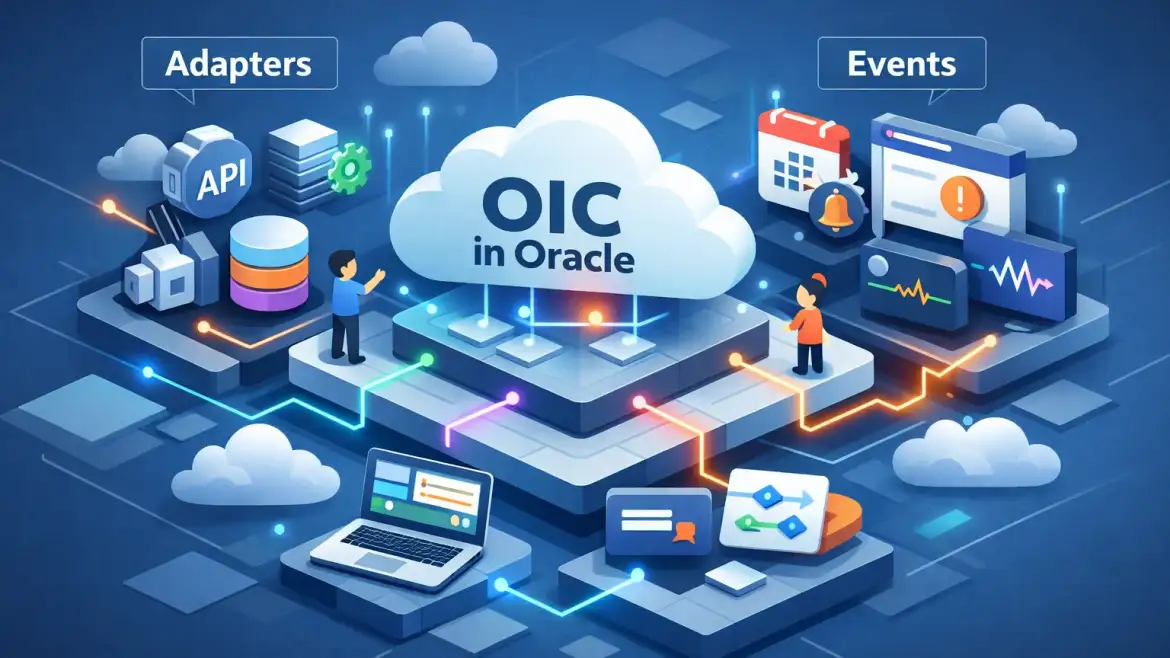
Short answer: Oracle Integration Cloud (OIC) is Oracle’s iPaaS for connecting SaaS, on‑premises and cloud systems using low‑code integrations, prebuilt adapters, visual flows and event‑driven pub/sub. At CloudShine we teach these patterns on live Fusion instances so learners can build production‑style integrations the same week they learn the theory.
Quick answer: what OIC does and when to pick it
Direct takeaway: OIC lets you glue enterprise applications together with visual integrations and built‑in monitoring—use it when you need reusable, auditable connectivity across Oracle Cloud apps, third‑party SaaS, and on‑prem systems.
Typical scenarios include real‑time syncs (Oracle ERP Cloud ↔ Salesforce), HCM hire events that trigger onboarding flows, and scheduled bulk file/DB loads into ADW or ATP. Compared to ad‑hoc scripts, an iPaaS provides governance, retries, observability and a maintainable artifact registry—important for audits and teams that hand off work.
ERP example: when an employee is hired in Oracle HCM, OIC can receive the business event, publish it, and trigger integrations that create AD accounts, provision hardware requests, update payroll feeds, and notify managers.
Actionable takeaway: if you manage Oracle Fusion projects or are migrating legacy integrations to the cloud, evaluate OIC first—it usually reduces delivery time and operational risk versus bespoke point‑to‑point scripts.
Anatomy: core components and what each one actually does
Application Integration
The orchestration engine builds request/response flows, scheduled jobs and message routing. Use it for synchronous lookups (e.g., payroll validation on demand) and for batched ETL (nightly GL loads) with adapters handling connectivity and schema translation.
Process Automation & Visual Builder
These are low‑code tools for human workflows, approvals and simple forms. Use Process Automation for hire→manager approval→IT provisioning sequences and Visual Builder to build small custom front ends or extension pages embedded into SaaS UIs.
Integration Analytics & Monitoring
Runtime dashboards show throughput, success/failure rates and slow flows. When a flow fails, check Monitoring → Traces → Message Details first: tracking ID, adapter error, and payload are usually enough to identify auth, schema or network issues.
Projects (Gen3) and artifact management
Projects group integrations, connections, libraries and policy artifacts. Apply RBAC so developers can create flows while ops manage production activation and secrets. Use libraries for shared mappings and JS utilities to avoid duplication.
Security & hybrid connectivity
Hybrid connectivity uses an on‑prem agent that initiates outbound TLS calls—no inbound firewall openings. OIC supports OAuth2, basic auth, and client‑cert patterns; map auth patterns to adapter capabilities before design.
Actionable mapping: before building, decide whether you need real‑time vs batch, how many endpoints, and audit/transaction needs. Pick the component set that matches those constraints.
Adapters & connectors: categories, examples, and how to choose
Adapters are the reusable connectors that do the heavy lifting. Categories in plain language: application adapters for SaaS (Oracle ERP/HCM, Salesforce), database adapters (Oracle DB, ATP, MySQL), technology adapters for messaging/files (FTP/SFTP, Kafka, JMS), universal adapters for REST and SOAP, and the Rapid Adapter Builder for custom needs.
Simple mapping: want real‑time order sync with Salesforce—use the Salesforce adapter. Need nightly bulk GL files—use FTP or DB adapter for better throughput and transactional control.
Decision checklist (quick read): determine push vs pull; whether adapter supports transactions; required auth type (OAuth2/client cert); expected volume and latency; and whether the endpoint is on‑prem (will you need the on‑prem agent?).
Common mappings: Oracle ERP Cloud Adapter for ERP events and REST/SOAP endpoints; Salesforce adapter for CRM record syncs; Database adapter for bulk writes or reporting into ADW/ATP; Kafka or OCI Streaming for high‑throughput event pipelines.
Rapid Adapter Builder is useful when there is no prebuilt adapter but the target exposes a documented REST API—build an adapter once and reuse it across projects. For details on the available adapters and their capabilities, see the Oracle Integration component adapters documentation.
Actionable takeaway: start with a REST (universal) connection to validate the flow quickly, then swap to a specialized adapter when you need richer features or performance guarantees.
Event‑driven integrations: how they work and a sample trigger configuration
Conceptually OIC supports pub/sub: a publisher emits events and subscribers react independently. This decouples producers from consumers and lets multiple downstream integrations listen to the same event (logging, notifications, enrichment).
Trigger sources you’ll commonly use are Oracle SaaS business events (ERP/HCM/SCM), inbound REST/webhooks, OCI or Apache Kafka streams, and OIC’s native pub/sub. For the official flow and examples on publishing and subscribing to events in OIC, review the publishing and subscribing events guide.
Example HCM hire event (simple JSON):
{
  "workerId": "W12345",
  "firstName": "Priya",
  "lastName": "Kumar",
  "hireDate": "2026-02-20",
  "position": "Analyst",
  "department": "Finance",
  "country": "IN"
}
Include lightweight header fields for filtering (e.g., department, country). Header filters avoid wasted executions; for example, set header.department == “Finance” to limit subscribers to Finance hires.
- How to wire triggers: define the event schema → enable SaaS to emit or build a publishing integration → create a subscribing event integration with header filters → map and process the payload.
Actionable takeaway: model events around business lifecycles—Hire, OrderCreated, InvoicePaid—and keep payloads small and stable to simplify mapping and retries.
Hands‑on: step‑by‑step event‑driven integration you can copy
Objective: when HCM emits a hire event, create a user in an HR app and send a notification email.
- Create connections — make an HCM trigger connection (Oracle HCM Cloud adapter with Business Events) and Invoke connections (REST adapter to the HR app, Email or webhook). Test each connection. See Oracle’s connection creation guide for supported patterns and connection steps.
- Create the Publishing Integration — if you synthesize events, build a short app integration that publishes using Publish Event; otherwise enable the SaaS business events catalog.
- Create the Subscribing Integration — select Integration Pattern = Event Driven and drag the HCM trigger onto the canvas as the source.
- Define the event schema and add header filters (example: header.department == “Finance”).
- Add invoke steps — call the HR API to create the user and add a notification action (email or Slack webhook); keep downstream calls asynchronous where possible.
- Map fields with the visual mapper; validate and map a stable identifier (employeeId) for tracing.
- Add error handler and retry policy; route failed messages to a fault queue for manual inspection.
- Activate the integration.
- Test: simulate the event via SaaS test UI or Postman (POST sample JSON), capture the OIC trace ID and follow the message in Monitoring → Traces → Details.
- Deploy/export to staging: create an export package and import into target environment, then retest end‑to‑end.
Test & validation checklist: verify connection tests, confirm mapper validation, exercise header filters with both matching and non‑matching values, confirm trace correlation IDs, and reprocess a failed message to validate your fault queue.
Common gotchas and fixes: missing SaaS privileges (grant business event access); firewall or agent blocks (ensure agent outbound to OIC over TLS 443); schema mismatches (adjust mapper or add a lightweight transform); expiring tokens (use OAuth client credentials and refresh handling).
CloudShine lab exercise: we preseed an HCM sandbox hire event and complete the 10 steps above in a 90‑minute hands‑on session on live instances. Learn more about our practical training approach in Benefits of Oracle Fusion HCM Cloud Online Training, CloudShine.
Actionable takeaway: run this lab in a sandbox, capture the trace id when something fails, fix the root cause and reprocess the trace to validate recovery.
Security, architecture notes, monitoring, troubleshooting, and next steps
Architecture note: current Oracle Integration (Gen3) runs on OCI with compartmentalization and tenancy isolation; hybrid flows use connectivity agents that initiate outbound TLS. Gen2 reached end‑of‑life; migrate to Gen3 when possible to access newer adapters and AI mapping features. For broader integration concepts and the Gen3 model, see Oracle’s integrations concepts documentation.
Security best practices: prefer OAuth2 for SaaS adapters, enforce TLS on endpoints, use RBAC inside Projects, rotate credentials and store secrets in a secure vault. Minimize stored credentials in integrations.
Network checklist: agent needs outbound HTTPS (443) and SFTP uses 22; for private links use FastConnect/VCN service gateways and verify firewall rules early when a connection fails.
Monitoring and debugging workflow: use Runtime → Monitoring → Traces → Message Details; search by tracking ID; enable debug logging for a narrow window; monitor KPIs on the dashboard for throughput or error spikes.
Troubleshooting quick reference: Auth errors: check scopes and client secrets. Agent failures: verify agent health and outbound 443. Mapping errors: validate the schema and required nodes. Duplicates: add idempotency keys or dedupe logic.
Next steps: implement small event payloads, keep heavy enrichment asynchronous, reuse connections and libraries, and consider OCI Streaming for scale. If you’re migrating legacy integrations, our Oracle Cloud Implementation Best Practices: Tips for A Successful Migration, CloudShine article outlines practical migration steps and checkpoints.
Where to learn more: Oracle Integration documentation, adapter guides and Rapid Adapter Builder docs — and CloudShine’s hands‑on OIC workshops that include live instances, practical labs and placement support to get you interview‑ready. For a perspective on continuous improvement in cloud projects, see Unlocking the keys to continuous innovation: Takeaways from the Oracle Cloud SCM Virtual Summit, CloudShine.
FAQs
- Is OIC suitable for hybrid integrations with on‑prem systems? Yes — use the OIC connectivity agent and database/file adapters for secure hybrid connectivity.
- Which adapter should I pick for Oracle ERP Cloud → Salesforce sync? Use Oracle ERP Cloud adapter for events plus the Salesforce adapter to invoke CRM operations; fall back to REST for nonstandard endpoints.
- How do I test event‑driven flows without production SaaS? POST sample event JSON via Postman to the trigger endpoint or use the SaaS sandbox business events test UI.
- How can CloudShine help me learn faster? CloudShine provides live Oracle instances, 100% practical labs and mock interviews to make learners job‑ready. Read why you should consider technical learning paths in Why Should You Learn Oracle Fusion Cloud Technical?, CloudShine.
Two final points: build the hire→HR flow in a sandbox, capture trace IDs for failures, and add idempotency before you go to production. If you want a repeatable lab path, try a free OIC trial and run the CloudShine 90‑minute hands‑on exercise to convert theory into runnable artifacts. For additional background on OIC connection patterns in hybrid scenarios, Oracle’s connection patterns for hybrid integrations is a useful reference.