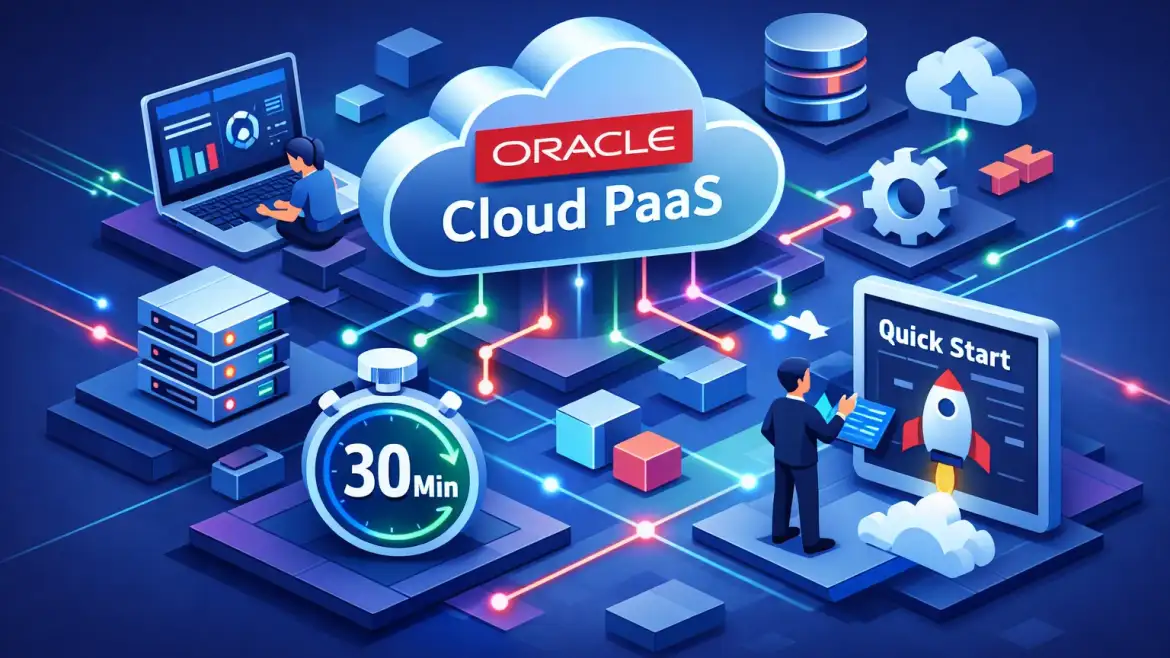
Oracle Cloud Platform services provide managed building blocks — integration, runtimes, serverless, containers and managed databases — so developers can deliver applications without wrestling with underlying infrastructure. Below you’ll find a mapped view of common business problems to specific OCI services, cost/security tips, real migration outcomes, and a hands‑on 30‑minute quickstart you can run right now.
CloudShine runs live OCI labs and placement coaching; the quickstart that follows mirrors the exact flow we teach in our hands‑on classrooms.
What Platform as a Service actually is — when to pick PaaS vs IaaS or SaaS
PaaS (Platform as a Service) gives you managed runtimes, middleware and integration tools so your team focuses on code and business logic—not OS patches, clustering or routine backups. IaaS (Infrastructure as a Service) gives full VM/VMware/compute control but demands more ops work. SaaS (Software as a Service) is turnkey but rarely lets you customize behavior deeply.
Short examples of when PaaS is the right choice: extending an ERP with a custom UI, hosting transactional web apps with a managed database, building microservices, or gluing multiple SaaS systems together with prebuilt adapters.
Quick decision checks to pick PaaS:
Integration needs: If you need prebuilt adapters and orchestration (ERP ↔ CRM), PaaS is faster.
Operational tolerance: If you want low‑ops and automated tuning, choose PaaS; if you need kernel‑level control, choose IaaS.
Speed of delivery: For proofs of concept or internal apps with short timelines, PaaS wins.
Actionable takeaway: Use PaaS when you need built‑in integration, automated operations, and faster time‑to‑market—otherwise default to IaaS for full control or SaaS for turnkey business apps.
Core OCI platform services and which problems each one solves
OCI’s platform services cluster around application development, integration, data and modern runtimes. Below are the practical pairings you can paste into a design doc. For Oracle’s formal overview of IaaS and PaaS offerings see the official IaaS/PaaS overview.
Oracle Integration Cloud (OIC)
Prebuilt adapters and process orchestration for SaaS ↔ on‑prem connectivity — ideal for ERP ↔ CRM workflows, B2B EDI bridges and scheduled data syncs.
Visual Builder & Oracle APEX
Low‑code UI platforms tightly coupled to databases — perfect for internal admin tools, quick SaaS extensions and rapid prototypes the business can test in days.
Oracle Functions (serverless)
Event‑driven compute for lightweight backends, on‑demand ETL tasks and reactive microservices — pay per invocation and avoid VM management for bursty workloads.
Application Container Cloud / Container Registry
Fast container hosting via console deploys and a private registry — useful for simple web apps or one‑off demos when you want the fastest path to deploy.
Oracle Kubernetes Engine (OKE)
Managed Kubernetes for production microservices and containerized apps at scale — use OKE when you need complex traffic control, autoscaling and multi‑pod reliability.
Autonomous Database (ATP / ADW)
Managed OLTP and analytics databases with automated tuning and scaling — pick this for transaction systems, reporting backends, or anywhere you want DBAs freed from routine tuning.
API Gateway & API Management
Expose, secure and monitor APIs with rate limits and analytics — ideal front door for microservices and third‑party partners.
DevOps / Resource Manager
CI/CD pipelines and Terraform‑style infra as code for repeatable deployments across dev/test/prod.
Big Data / Streaming, IoT, Blockchain
Specialized platforms for high‑volume streaming, device telemetry and multi‑party ledgers when your use case needs them.
How to pick at a glance: integration‑heavy → OIC; database‑centric → Autonomous DB; UI extensions → Visual Builder/APEX; microservices → OKE or Functions.
CloudShine note: Our lab modules let students run OIC flows, build Visual Builder frontends, deploy to OKE and connect Autonomous DB-backed apps against sample business scenarios. If you want structured learning before you start, see our guide on Oracle Fusion training for what to focus on before you learn.
Actionable takeaway: Copy this mapping into your design doc: Integration → OIC; UI/Forms → Visual Builder/APEX; Compute → Functions or OKE; Data → Autonomous DB. For an ERP‑specific perspective, our article on Oracle Cloud ERP benefits and challenges highlights where PaaS adds the most value.
Real‑world wins and realistic migration outcomes
Studies and field deployments show targeted OCI PaaS moves can cut costs by 25–40% for specific workloads, reduce provisioning time from weeks to hours, and shrink implementation effort significantly when automation and managed services replace manual ops. You can also explore vendor and community use cases for additional real‑world examples.
Mini case snapshots:
Nomura: Analytics workloads moved to Autonomous Database, ~40% compute cost reduction and roughly 3x analytics performance improvement.
Vodafone: Billing and analytics modernization using OKE + Autonomous DB — provisioning time dropped from weeks to hours and operational overhead fell materially.
EZ Cloud: Accounts payable platform re‑platformed to Autonomous DB + OIC integrations — supported more simultaneous users at far lower VM cost and reduced implementation effort by ~70%.
Migration timelines (realistic): pilots 2–8 weeks; phased mid‑app migrations 3–9 months; full portfolio programs 6–18 months. Timelines vary with data refactoring needs, regulatory constraints and integration complexity.
KPI checklist to track ROI: compute cost delta, provisioning lead time, incident rate, query/response latency, and go‑live velocity.
Actionable takeaway: For your pilot collect three KPIs: provisioning time (hours vs weeks), CPU/compute cost ($/month), and end‑user response time (ms) so stakeholders can quantify value quickly. For context on large vendor transitions, read about Oracle’s broader move to Fusion Cloud ERP in our retrospective on Oracle’s move to Fusion Cloud ERP.
Pricing and security playbook — estimate spend and avoid surprises
OCI billing is consumption‑driven: OCPU‑hours, GB‑months for storage, GB‑seconds/invocation for functions, and per‑API‑call for gateways. Options include Always Free, BYOL and Universal Credits for committed discounts.
| Service | Small (monthly) | Medium (monthly) |
|---|---|---|
| Functions | $10–50 | $100–500 |
| OKE + nodes | $30–100 | $200–800 |
| Autonomous Database | $20–100 (BYOL/dev) | $150–600 |
| API Gateway | $5–50 | $50–300 |
These are starting estimates — use Oracle’s pricing tools for exact quotes and factor in storage, network egress and licensing. See the official Oracle price list for current SKU-level pricing.
Cost control tactics include using Always Free resources for dev, BYOL for databases, rightsizing and autoscaling, reserved/commit discounts, tagging and budget alerts, and trimming log retention.
Security essentials for PaaS: a clear compartment and IAM strategy, VCN with private endpoints for databases, KMS for key management, NSGs/Network Security Lists, centralized logging and minimal privilege for service principals.
Quick operational checks: set budget alerts in the console, enable default encryption for DBs and storage, and create a dedicated compartment for PaaS workloads before provisioning.
30‑minute quickstart — deploy a sample web app on Oracle PaaS
Goal: ship a small Node.js or Python app from your laptop to a managed OCI runtime in ~30 minutes using the fastest console path available in your tenancy.
Prerequisites: an Oracle Free Tier or trial account, a zipped app with package.json or requirements.txt and a start command, a browser and a target compartment. If you need help getting started with the Free Tier and Always Free resources, Oracle’s official guide on getting started with the Free Tier covers Autonomous Database and other free services.
- (5–10m) Sign up and prepare: confirm Always Free services are active, create a compartment for the app and choose an Always Free region if available.
- (5–10m) Prepare the archive: zip your app including a manifest/start script (e.g., package.json and a start command for Node.js).
- (5m) Console deploy: open the console’s Application Container or equivalent container hosting service → Create Application → choose runtime (Node/Python) → upload archive → name the app.
- (5m) Size and route: choose minimal instance size and one instance; create a public route if you need external access and click Create to deploy.
- (2–5m) Verify and iterate: open the public endpoint, tail logs in the console, fix runtime errors and redeploy.
CLI alternative pattern: use the cloud CLI/accs push manifest or the container instance push command — see OCI docs for exact flags. If ACCS is not available in your tenancy (it has been deprecated in some regions), build an image, push to Container Registry and deploy to Container Instances or OKE — this path is slightly longer but production‑ready.
Common gotchas: missing start script, wrong runtime version, memory too small, missing env vars or port mismatch. For rollback, keep the previous archive and redeploy the prior version via the console or CLI.
30‑minute printable checklist: account ready, compartment created, app.zip prepared, console deploy, smoke test URL, tail logs, fix & redeploy.
Next steps: build a portfolio project, secure it and get job‑ready (CloudShine support)
Recommended learning path: complete the 30‑minute quickstart, add an Autonomous Database backend, expose APIs through API Gateway and add CI/CD via DevOps/Resource Manager, secure with IAM + monitoring, then package the project as an interviewable demo with a 1‑page architecture and resume bullet points. For a compact list of the most important ERP platform features to highlight in interviews, see our piece on the 10 key features of Oracle Cloud ERP.
How CloudShine helps: live OCI instances for labs, trainer‑led modules on OIC/Visual Builder/OKE/Autonomous DB, plus placement‑focused sessions (resume building and mock interviews) and direct project feedback from practitioners. If you’re still deciding whether to modernize legacy apps, our article on signs it’s time for modern cloud applications can help you prioritize.
FAQs
Is Oracle Cloud PaaS free to try?
Yes. Oracle’s Always Free tier includes select Autonomous Database, registry and compute resources. Sign up for the Free Tier and use the quickstart with minimal or no cost while staying within the free limits. See Oracle’s getting started guide for Free Tier details if you need step‑by‑step instructions.
Which OCI PaaS should I pick for enterprise integration?
Oracle Integration Cloud is the default for SaaS ↔ on‑prem integration when you need prebuilt adapters and orchestration; choose it for ERP ↔ CRM workflows and B2B connectors. For a full discussion of ERP migration tradeoffs and best practices, review our article on Oracle Cloud ERP benefits and challenges.
How much will Autonomous Database cost for a small production workload?
Ranges vary. Small BYOL instances for dev can be inexpensive (tens of dollars/month), while licensed production deployments are higher. Use the Oracle pricing tools to get an exact estimate based on OCPUs and storage.
Can I move an on‑prem app to Oracle PaaS without downtime?
Usually you migrate in phases: pilot, hybrid sync, then cutover. Zero‑downtime is possible but depends on your data replication approach and app architecture; plan the pilot to validate sync strategies.
Actionable next steps: run the quickstart, estimate costs in Oracle’s calculator, capture the three pilot KPIs, and if you want guided practice and placement prep, book a CloudShine lab.
Use the 30‑minute quickstart as your hands‑on test and measure one or two KPIs during the pilot. If you want guided labs and mock interviews to turn that POC into a hireable project, CloudShine provides the practical path from proof‑of‑concept to placement.