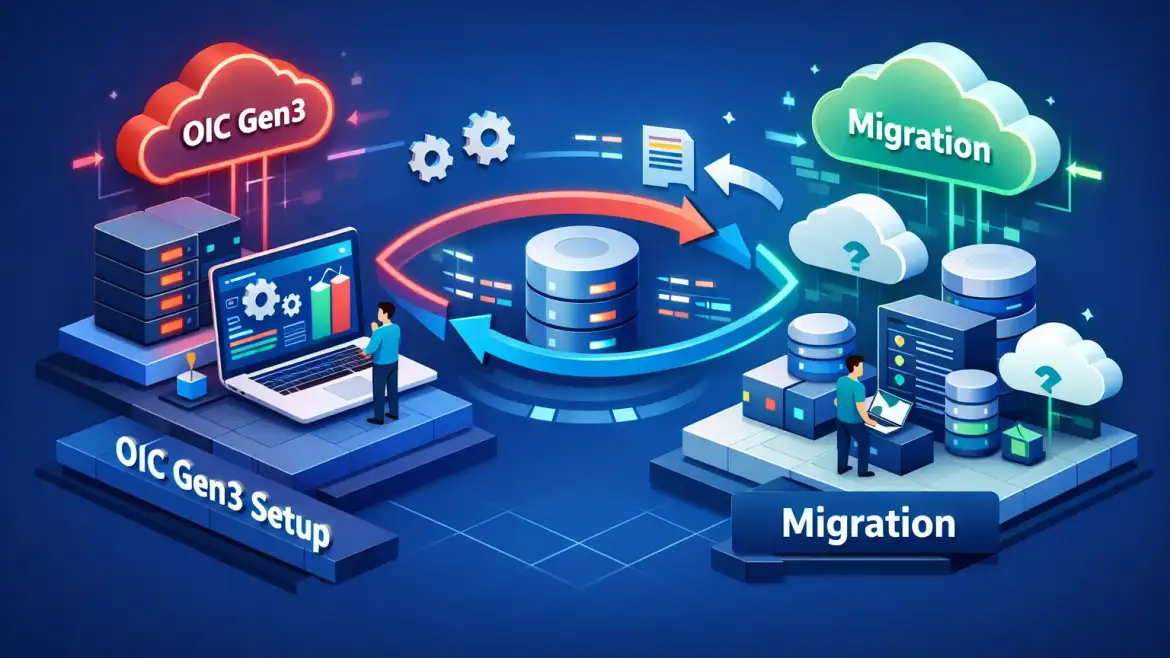
If you’re provisioning oracle oic gen3, this article gives a compact, step‑by‑step playbook from OCI provisioning through network design, Projects management, and a tested migration checklist. CloudShine uses this exact checklist in live workshops and migration accelerators to make teams production‑ready.
Provisioning an integration instance in OCI — quick steps and post‑checks
Takeaway: Create Gen3 through the OCI Console (Developer Services → Application Integration) selecting Oracle Integration 3, the appropriate edition and message packs, then run a short verification checklist before you build integrations.
Prereqs: provision inside a child compartment for governance, confirm tenancy quotas and region support, and ensure admin IAM policies allow instance creation and subnet access. Prefer a dedicated dev/test/prod compartment hierarchy to avoid permission drift.
| Field | Recommended selection (dev/test/prod) |
|---|---|
| Version | Oracle Integration 3 |
| Edition | Standard (core) / Enterprise (process, RPA, B2B) |
| Shape | Dev/Test: small gen3 shape; Prod: larger OICGen3.* shapes |
| License type | BYOL or License Included per contract |
| Message packs | Set based on throughput forecast; scale up later |
| File Server | Enable for SFTP (500 GB default) |
Post‑create verification — confirm the service console opens and instance is Active; check default payload retention (32 days), file server capacity, and message‑pack counts; verify outbound IPs via the instance “About” menu for allowlisting; and enable SSO or map application roles if using Identity Domains.
- Launch Service Console and confirm Instance status and retention settings.
- Enable File Server (if needed) and test SFTP access to the provided host.
- Run a simple echo API integration to validate inbound and outbound traffic.
- Capture outbound IPs from About → Network for allowlists.
Operational note: provisioning and repeatable stacks are scriptable via OCI Resource Manager / Terraform or the OCI CLI. See the oci_integration_instance provider docs for examples to automate environment creation.
Actionable takeaway: Build a one‑page Provision Playbook with exact field values per compartment and the four post‑create checks above. Use that playbook in your first sandbox run.
Network flows and secure connectivity — public model vs private endpoints
Takeaway: Gen3 runs by default on public OSN endpoints (no customer VCN/NAT required). For sensitive traffic or on‑prem systems, create the single private endpoint and deploy a Connectivity Agent behind FastConnect or VPN.
| Flow | Source | Destination |
|---|---|---|
| Design-time inbound | Internet (developers) | Design Layer (public OSN) |
| Runtime inbound | Internet / API clients | Run Layer (public OSN) |
| Runtime outbound | Run Layer | External public endpoints (egress IP shown in About) |
| Private calls | Run Layer | VCN/private IPs via Connectivity Agent |
Private endpoints are limited to one per instance. The typical on‑prem pattern is: FastConnect or VPN → customer VCN → subnet with Connectivity Agent → OIC private endpoint. For SaaS-only landscapes, public endpoints plus IP allowlists and WAF rules usually suffice.
Practical architecture patterns:
- SaaS integrations: public endpoints + allowlisted outbound IPs and WAF in front of inbound APIs.
- On‑prem systems: FastConnect/VPN → VCN → private endpoint + Connectivity Agent inside the VCN.
- Hybrid: public endpoints for low‑risk flows, private endpoint for PII/regulated data paths.
Secure the deployment by allowlisting the instance outbound IPs, opening HTTPS (443) and SFTP (22) where required, provisioning certificates for custom endpoints, and placing OCI API Gateway/WAF in front of public APIs.
For more detailed patterns and examples of OIC traffic flows, review the OIC network flows, and if you need guidance on overall integration topology, our system integration flows best practices article covers patterns and tradeoffs used across multiple projects.
Actionable takeaway: Start with public mode for PoC. Before production, provision a private endpoint in a sandbox and validate agent logs, routes and firewall rules end‑to‑end. For detailed configuration steps refer to Oracle’s guidance on configuring a private endpoint instance.
Projects in Gen3 — create, deploy, version and manage integrations
Takeaway: Projects replace Gen2 packages as the primary unit of work. They contain integrations, connections, lookups, RPA/B2B artifacts, and provide Design → Deploy → Observe lifecycle and RBAC at project scope.
Create a Project from the Projects UI, add artifacts under the Design tab, and use Move to Project to migrate existing resources. The Deploy tab handles project‑level promotions with built‑in versioning and rollback, which simplifies sprint releases compared with hand‑built package pipelines.
For lifecycle control, use one Project per domain or sprint, keep a shared “platform” project for common connections, and use naming conventions that include environment and version metadata. Projects support cloning and accelerator templates to speed repeatable builds. Teams building project delivery capability may also benefit from targeted Oracle Fusion training to ramp authors and administrators quickly.
Actionable takeaway: In a sandbox, convert one critical package into a Project and run a deploy→rollback drill with a short smoke test suite to validate your release process and RBAC settings.
Gen3 vs Gen2 — critical differences, limits and compatibility checks
Takeaway: Gen3 raises limits and adds features (Projects, AI palette, Parallel action) but is not a drop‑in copy of Gen2. Audit artifacts early for parity issues and custom adapter compatibility.
| Capability | Gen2 | Gen3 (2026) |
|---|---|---|
| Retention | 3–30 days | 32 days |
| Active integrations | ~700 | ~800 |
| File server | External or smaller | Embedded SFTP 500 GB |
| For-each loops | 5,000 | Unlimited |
Check for parity gaps: uncommon adapters, custom Java/JS/Groovy libraries, B2B profiles, scheduled jobs, and any Visual Builder custom endpoints. Oracle publishes a Differences page that should be reviewed for features explicitly removed or altered — for an in‑depth article on Gen3 capabilities see this deep dive into the advanced features of Oracle Integration Cloud Gen 3. If security model changes are a concern, pair your artifact audit with Oracle Fusion security best practices to ensure RBAC and role mappings are correct.
Actionable takeaway: Produce an artifacts inventory tagged by risk (low/medium/high) and run tests for anything marked medium or high, prioritizing custom adapters and scheduled workflows.
Migration playbook — precheck, dry‑run and cutover checklist
Takeaway: Migrate using Oracle’s automatic upgrade when available, otherwise follow a manual path: Inventory → Sandbox dry‑run → Controlled cutover with a rollback plan and 48–72 hours of post‑go‑live validation.
- Inventory: catalog integrations, connections, agents, scheduled jobs, file server contents, message packs, certificates, and accelerators.
- Sandbox dry‑run: provision a Gen3 sandbox, import or recreate Projects, validate the Connectivity Agent for on‑prem access, execute smoke and load tests, and confirm observability metrics.
- Cutover (timeboxed): final export/sync, update DNS or endpoints, flip traffic, run validation suite (top business transactions) and monitor message pack consumption and dashboards.
- Rollback & contingency: keep Gen2 read‑only, retain file server backups, and have DNS/endpoint rollback steps documented with owners and timestamps.
Oracle documents an automatic upgrade path and phased approaches; follow Oracle’s upgrade guidance and test in a sandbox first — see the official upgrade guidance for details on the upgrade phases and prerequisites in Oracle’s documentation.
For migration-specific reporting or post‑cutover reconciliation you may find the Oracle EBS to Fusion Cloud migration best practices article helpful when aligning validation scripts and reconciliation reports during cutover.
Actionable takeaway: Build a migration runbook with named owners, a pre‑cutover go/no‑go checklist and a 48–72 hour monitoring window post‑cutover.
Runbook, observability, CloudShine help and FAQs
Takeaway: Post‑migration focus on a short runbook: key metrics, agent health, message pack usage and a 30/60/90‑day audit cadence. Automate alerts and keep export snapshots of Projects.
Key metrics to automate: AsyncInboundRequestsDepth, SchedulerTriggeredInstancesCount, FileserverInboundConnections, integration error rate, latency percentiles and trace level counts. Daily checks should verify integration error queues and agent heartbeats; weekly checks should include file server consumption and certificate expirations.
Troubleshooting starts at Observe → Instance logs → Agent logs. Common fixes: refresh credentials, restart connectivity agent containers, increase message packs for throughput spikes, and roll back a recent Project deployment if smoke tests fail.
How CloudShine helps: CloudShine runs hands‑on OIC Gen3 workshops with live instances, a migration accelerator that builds your migration runbook, and an optional 1‑day readiness audit to validate cutover plans and smoke suites. To understand how integration initiatives align with broader ERP programs, review our guidance on Oracle Cloud ERP benefits and challenges.
FAQs
Is Oracle Integration Gen3 a free upgrade from Gen2?
Oracle provides an automatic upgrade path in many cases with a preparation window (typically a multi‑month notification). Follow Oracle’s upgrade guidance and test in a sandbox first.
How many private endpoints does Gen3 support per instance?
One private endpoint per instance is supported; plan your VCN and subnet appropriately.
What hard limits should I plan for?
Plan to support 32‑day payload retention, ~800 active integrations, built‑in file server of 500 GB, and unlimited for‑each loops—verify message pack sizing for throughput.
Will my Gen2 adapters and custom scripts work unchanged?
Many adapters will work, but custom Java/JS/Groovy code and uncommon adapters require testing. Tag and test custom artifacts early.
How long does a typical migration take?
Sandbox + dry‑run phases commonly take 1–4 weeks depending on complexity; cutover is usually a weekend operation with a 48–72 hour validation window.
Summary: Start with a scripted provisioning playbook, validate network patterns (public then private), convert a package into a Project and run deploy/rollback drills, and execute a timeboxed migration with a 48–72 hour smoke window. For hands‑on training, migration accelerators, or a readiness audit, contact CloudShine to schedule a workshop and get your runbook validated.