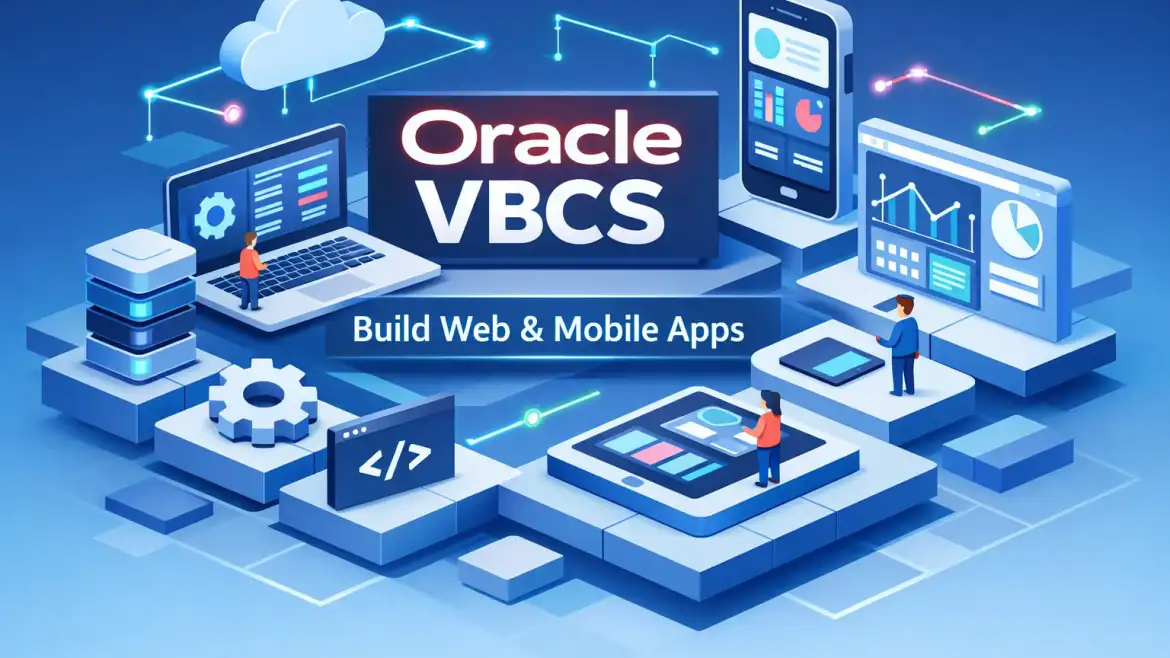
oracle vbcs is Oracle’s low-code cloud platform for building responsive web and mobile apps with drag-and-drop UI, business objects, REST integration and one-click hosting. In this guide you’ll build and publish a simple Employee Directory, review integration patterns, and get a decision matrix to choose between Visual Builder and Visual Builder Studio for your project or career.
Why this matters: VBCS accelerates internal tools and Fusion extensions; a basic app can be created and published in roughly 35 minutes—our real-world baseline used in CloudShine live labs. What you’ll get: a short conceptual tour, a step-by-step walkthrough you can repeat on a real instance, integration best practices, and clear next steps for learners.
What Visual Builder is — a quick take and core features
Takeaway: Visual Builder (VBCS) is a browser-based, low-code PaaS for creating and hosting PWAs and multichannel applications that integrate with Oracle Cloud and external REST APIs. It bundles a visual WYSIWYG UI builder (Oracle JET components), app-level business objects, and built-in publishing.
Core capabilities in plain language: Drag-and-drop page design with a Live View preview; Business Objects for app data; Service Connections to consume REST or SOAP (Swagger/OpenAPI supported); staging and one‑click publish; optional Git integration for source control; PWA support and SSO via IDCS. You get a built-in runtime and a small tenant DB for prototypes.
Why it’s useful: VBCS is ideal for replacing spreadsheets with multi-user apps, creating internal dashboards, or extending Oracle Fusion user interfaces without hiring a full stack team. Use the 35-minute “hello world → publish” as your first milestone. At CloudShine we provide students with a pre-provisioned VBCS workspace so everyone repeats each step on a working instance.
Build, connect and deploy a simple app — a 35‑minute walkthrough (Employee Directory)
Direct takeaway: Follow these exact steps to build an Employee Directory PWA: create the app, add a Business Object, design pages, connect to an API or CSV, then test, stage and publish.
- Create app (2–3 minutes): In VBCS click New Application → select Web (or Mobile) → Empty Template. Give it a name and predictable application ID (example: org.app.employee) so later bindings and Git links are easy to find.
- Business Objects (5–8 minutes): Open the Data Designer → + Business Object, name it “Employee” and add fields: id, name, email, role, phone. Populate a few sample rows manually or import a CSV to speed testing.
- Build pages (10–15 minutes): In Page Designer drag a Table component bound to Employee BO, add a Form for edits, and a Search box for filtering. Arrange navigation and responsive sections; use Live View to preview mobile breakpoints instantly.
- Connect to REST (5–8 minutes): Service Connections → New REST → paste endpoint root or import a Swagger file; test the endpoints. For Fusion endpoints use the service catalog; for Autonomous DB expose ORDS REST handlers.
- Test, stage & publish (3–5 minutes): Run Test Application mode and walk through CRUD flows. Stage the app (choose whether to populate stage with development data) and then Publish. Copy the live URL and verify PWA installability (HTTPS, manifest, service worker). For details on staging and publishing see the stage and publish tutorial.
Troubleshooting checklist (quick):
- CORS errors — add allowed origins or use VBCS proxy; check backend CORS settings.
- 401/403 — validate service connection auth, OAuth client scopes, and IDCS settings.
- Empty page after publish — confirm page route and component bindings are correctly set and published.
Actionable tip: name components and bindings clearly (Table_Employees, Form_EditEmployee), commit small changes to Git frequently, and keep one canonical sample dataset for rapid testing.
Integration patterns & common pitfalls — IDCS, Autonomous DB, OIC and REST
Direct takeaway: Integration is VBCS’s strength and the place where most projects stall—get identity, REST authentication and CORS right early to avoid late surprises. For an official overview on integrating Visual Builder with other Oracle services see the Oracle docs on how to integrate Oracle Visual Builder Cloud Service.
IDCS / SSO
Best practice: Provision VBCS in the same identity domain as your target Oracle services for seamless SSO. For Fusion extensions, enable required OAuth client scopes and mark services as “Accessible to application extensions” when necessary. If you must work across domains, plan confidential client registration and policies up front.
Autonomous DB / Database access
Production pattern: Use ORDS to expose REST endpoints from Autonomous DB (ATP) and consume those endpoints from VBCS service connections. VBCS has a small tenant DB for prototypes, but for production you’ll typically route data via ORDS or use wallet-based DB connections configured in the VBCS tenant database settings.
Oracle Integration Cloud (OIC)
Use OIC when orchestration, transformations or adapters are required. Enabling Visual Builder in an OIC instance is a one-time admin action; afterward, set IAM policies and CORS to allow embedding and backend calls from the Visual Builder runtime.
REST best practices
Prefer Swagger/OpenAPI for auto-generation and clarity. Use proxy authentication for external APIs, implement retries and error mapping, and keep sensitive business logic on server-side integrations rather than client bindings. Document endpoints and expected payloads for maintainability.
Common pitfalls include mismatched identity domains (broken SSO), missing CORS headers (embedding fails), and confusing VBCS Business Objects with Fusion custom objects (data model mismatches). Hand this short admin checklist to infra teams: identity domain alignment, OAuth client registration, and CORS policy entries for the VBCS published origin. For a deeper look at Fusion architecture differences see Difference between Oracle Fusion Middleware and Oracle Fusion Applications, CloudShine.
VBCS vs Visual Builder Studio — how to choose
Direct takeaway: Use VBCS for fast standalone low-code apps and PWAs; choose Visual Builder Studio when you need enterprise packaging, CI/CD pipelines and Fusion extension deployment workflows.
| Scenario | Choose VBCS if… | Choose Visual Builder Studio if… |
|---|---|---|
| Quick internal app or PWA | You want a working app live in minutes with minimal setup | Not necessary unless you need CI/CD or Fusion packaging |
| Version control & CI/CD | Small team with manual deployments | You need Git repos, build pipelines and automated Fusion deployments |
| Fusion extension with pre-federation | Possible but requires extra federation steps | Designed for Fusion packaging and pre-federation with Fusion test instances |
| Small team / standalone project | VBCS is simpler to start and maintain | VBS adds complexity that may be unnecessary |
Tradeoffs: VBS brings enterprise-grade DevOps features but increases setup complexity; VBCS gets you running quickly but has limits around storage, DB choices and enterprise pipeline automation. Practical path: learn VBCS first—build a working app—then add VBS when you need governance and CI/CD. That’s the training path we follow at CloudShine. For an Oracle perspective on VB vs VB Studio see the Oracle blog post comparing the products: VB vs VB Studio: what’s the difference. For the official product details check the Oracle Visual Builder page.
Enterprise use cases, limits, pricing and career fit — should you invest time?
Direct takeaway: Visual Builder is a practical choice for internal tools, Fusion extensions and citizen-developer projects; understand OCI billing and integration dependencies before moving to production.
Common enterprise use cases: approval and workflow forms, mobile sales PWAs, HR self-service pages, Fusion UI extensions, and lightweight admin dashboards. These are exactly the scenarios that benefit from a rapid low-code approach. For context on Fusion financials and extension scenarios see Evolvement of Oracle Fusion Financials, CloudShine.
Limitations & cost signals: starter instances include a small built-in DB and runtime; production typically consumes additional OCI resources (OCPU hours, storage, OIC connectors), which can increase monthly costs. Use the OCI Cost Estimator and run a proof-of-concept budget before long-term commitments.
Licensing summary: VBCS can be consumed as standalone OCPU-hour billing or bundled with OIC user-hour models. Oracle public pricing varies—contact Oracle for precise quotes and use the free trial credits to validate technical fit.
Career fit: Roles that benefit are Oracle low-code developer, Fusion extension consultant and integration specialist. Expect to become productive on basic apps in 2–4 weeks; deeper Fusion extension skills require more hands-on projects. CloudShine’s 100% practical labs, live VBCS/Oracle instances and placement cell shorten this ramp—consider joining a workshop or a lab batch to get interview-ready faster. Read more about career progression in The Path to Becoming an Oracle Fusion Consultant: Skills and Challenges | Oracle scm cloud training.
Next steps checklist:
- Build the 35‑minute Employee Directory on a VBCS instance.
- Implement one integration (Autonomous DB via ORDS or a Fusion API) and validate SSO/CORS.
- Compare VBCS vs Visual Builder Studio for your delivery model; if needed, attend a CloudShine lab to practice.
For broader reading on continuous improvement and cloud adoption practices see Unlocking the keys to continuous innovation: Takeaways from the Oracle Cloud SCM Virtual Summit, CloudShine.
Conclusion & FAQs
Quick wrap: If your goal is a fast, secure way to deliver PWAs and Oracle-integrated apps, start with Visual Builder (VBCS). If you require enterprise pipelines, versioning and Fusion packaging, add Visual Builder Studio when you scale. Use the 35‑minute app as your concrete learning milestone.
Q: How long does it take to build a basic app in VBCS?
A: A simple “hello world” or Employee Directory can be created and published in about 35 minutes using the steps above; plan longer for integrations and production readiness.
Q: Can VBCS connect to Autonomous Database?
A: Yes. The common pattern is to expose ATP via ORDS (REST) and consume those endpoints from VBCS service connections, or configure the tenant database to use an ATP wallet for direct DB access in controlled scenarios.
Q: What is the main difference between VBCS and Visual Builder Studio?
A: VBCS provides the runtime and quick hosting for low-code apps; Visual Builder Studio adds Git, CI/CD and enterprise deployment pipelines for Fusion extension packaging and team-based delivery.
Q: Is learning Visual Builder worth it for my career?
A: Yes—it’s practical for roles that extend Fusion, build internal tools, or specialize in Oracle integrations. Expect to reach basic productivity in weeks; hands-on labs and real instances accelerate hiring readiness. For why to focus on Oracle Fusion Cloud technical skills, see Why Should You Learn Oracle Fusion Cloud Technical?, CloudShine.
If you want a repeatable path, try the 35‑minute app on a real instance and, if needed, join a CloudShine hands-on lab to practice integrations and placement-prep.